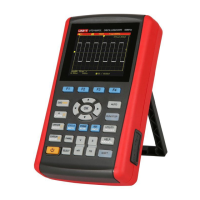
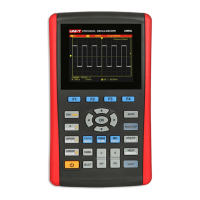
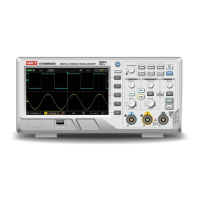
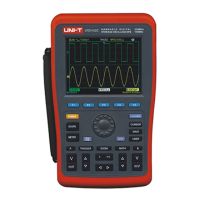
UTD1000 User Manual
Figure 5-14
10.During upgrade, if you wish to cancel upgrade after
the system has determined that the upgrade pack is
correct, press [F1] to exit the upgrade system. The
prompt in Figure 5-15 will appear : “Please pull out
U-disk and reboot.”
Figure 5-15
11.If an unknown error occurs when the user is updating
the program, the prompt in Figure 5-16 will appear :
“E31: We are sorry for this case, please contact with us.
Please pull out U-disk and reboot.”


 To Next Page
 Loading...