63
ace
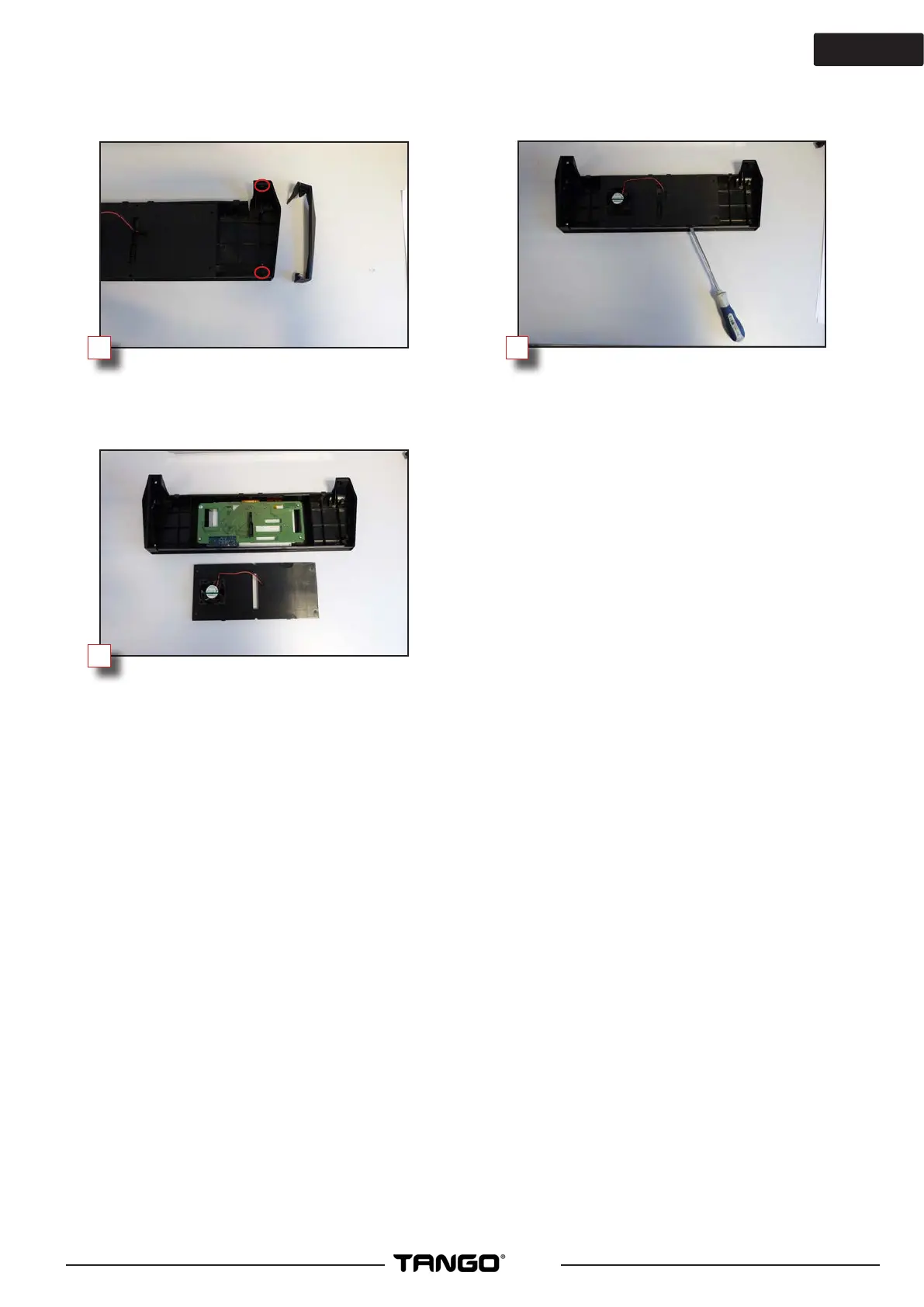
Unscrew the 2 Phillips screws and then
remove the ears (right and left)
Remove the rear cover using a
screwdriver in the notches.
Installing the new screen:
Replace the cover with the fan on the
new screen, then proceed to assemble
by repeating all previous operations in
the reverse order.
8
9
7



 To Previous Page