EasyManua.ls Logo

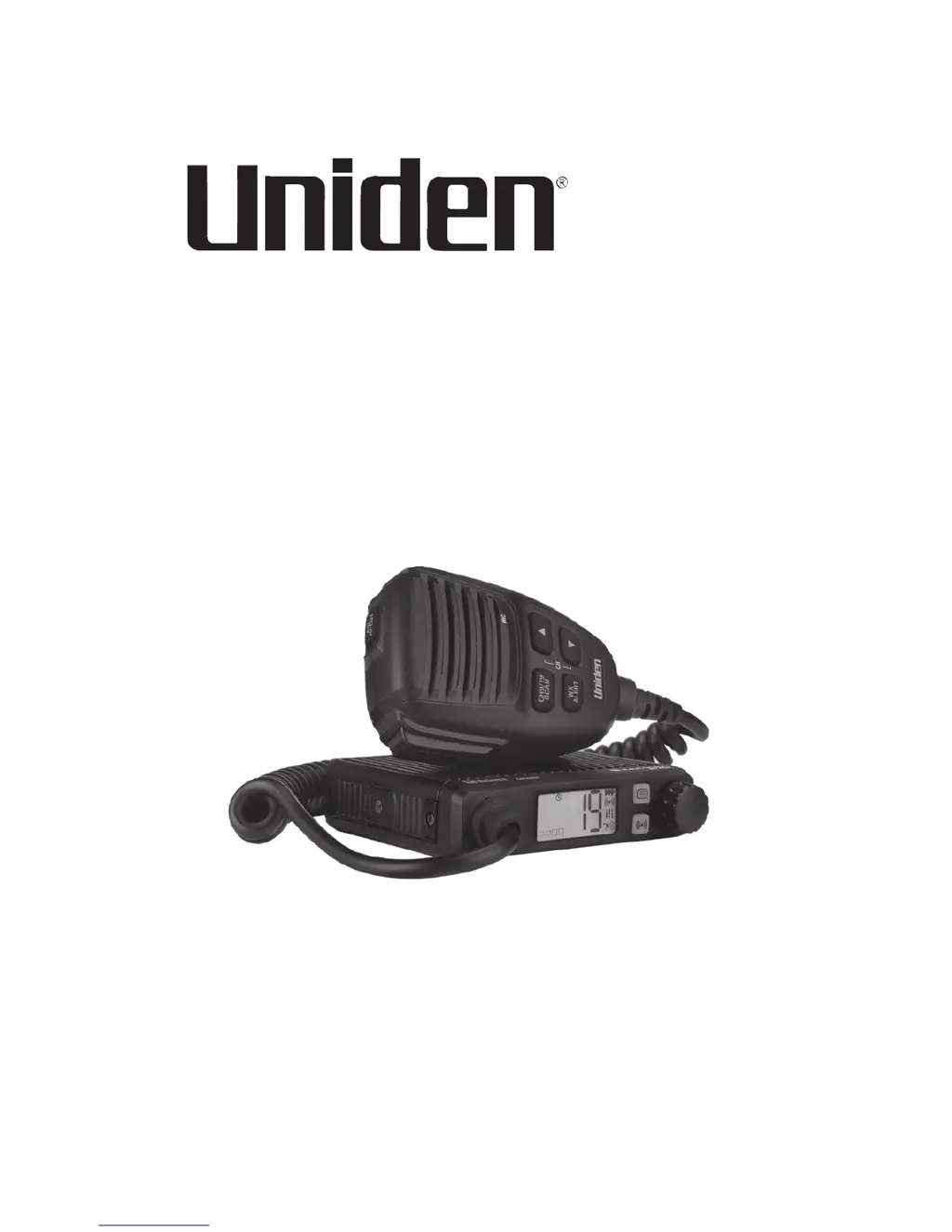
Uniden CMX660 - User Manual

Uniden CMX660
44 pages
Print Icon
To Next Page IconTo Next Page
Loading...
© 2017 Uniden America Corporation U01UT418ZZZ(0)
Irving, Texas Printed in Vietnam
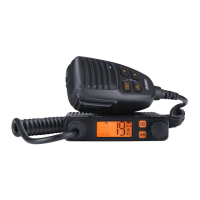
CMX660
PROFESSIONAL MOBILE CB RADIO
Owners Manual

Questions and Answers

  • A
    ashleyyoungJul 28, 2025
    What to do if my Uniden Radio has no transmission?
    • J
      Jon ArmstrongJul 28, 2025
      If your Uniden Radio has no transmission, check the microphone connection. Ensure the radio is not set to the Weather channel or Weather Scan. Turn it off to return to CB mode.
  • A
    Ashley FoxAug 4, 2025
    What to do if my Uniden Radio has no reception?
    • R
      ray33Aug 4, 2025
      If your Uniden Radio has no reception, check the microphone connection, volume, and squelch settings. Also, check the antenna and its connection.
  • S
    salazarjasonAug 12, 2025
    Why does my Uniden CMX660 Radio battery power check display Lo or HI?
    • M
      Michael EstesAug 12, 2025
      If the Uniden Radio battery power check displays Lo or HI, ensure your power wires have a good connection. The battery needs to be fully charged, or check your alternator. Lower voltage can cause a failure.
  • C
    clarkcherylAug 19, 2025
    How to fix a Uniden CMX660 that does not power up?
    • R
      Rebecca BakerAug 19, 2025
      If your Uniden Radio does not power up, check the power cord connections, the fuse, and the vehicle's electrical system.

Summary

Radio Controls and Connectors

Radio Unit Front and Back Views

Details the front and back controls and connectors of the radio unit.

Microphone Layout and Features

Illustrates and lists the controls and connectors on the microphone.

Installation Procedures

Connecting the Radios Power Supply

Instructions for connecting the radio's power supply.

Antenna Connection Instructions

Steps and recommendations for connecting the radio's antenna.

Microphone Hanger and Connection Steps

Procedure for installing the microphone hanger and connecting the microphone.

Radio Bracket Installation and Mounting

Procedure for installing the radio bracket and mounting the radio unit.

Emergency Operation Guidelines

Operating Your CMX660 Radio

Powering the Unit On and Off

Procedure for powering the radio unit on and off.

Transmit and Receive Procedures

How to transmit and receive signals using the radio.

Preventive Maintenance Checklist

Troubleshooting Radio Malfunctions

Servicing and Professional Alignment

Technical Specifications

Uniden CMX660 Specifications

General IconGeneral
Channels40
Frequency Range26.965 - 27.405 MHz
Power Output4 Watts
ModulationAM
DisplayLCD
RF GainYes
Instant Channel 9/19Yes
SpeakerBuilt-in
Power Supply13.8 VDC
TypeMobile CB Radio
Weather Channels7

Related product manuals