EasyManua.ls Logo

Unimax MA-2025 - User Manual

Unimax MA-2025
75 pages
Print Icon
To Next Page IconTo Next Page
Loading...
1
Version 2.2
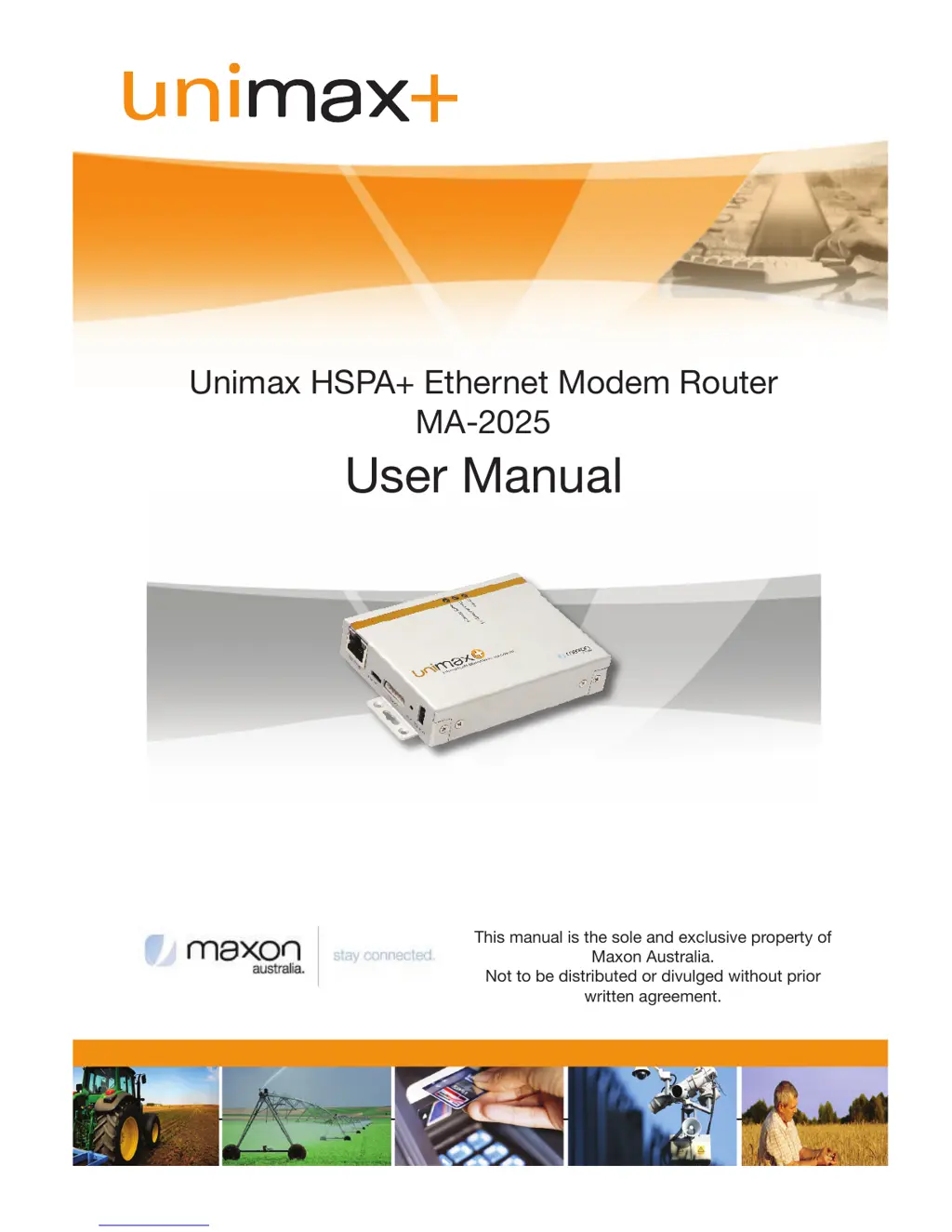
Unimax HSPA+ Ethernet Modem Router
MA-2025
User Manual
This manual is the sole and exclusive property of
Maxon Australia.
Not to be distributed or divulged without prior
written agreement.
+

Table of Contents

Questions and Answers

  • J
    John YorkAug 1, 2025
    Why is the Link LED on RJ-45 port always green but does not connect on Internet using Unimax Network Router?
    • B
      Brian KingAug 1, 2025
      If the Link LED on the RJ-45 port of your Unimax Network Router is always green but you cannot connect to the Internet, it may be because the connected PC's LAN card only supports 10Mbps, but the PC OS is set to 100Mbps. Change the PC environment to support 10Mbps.
  • J
    John GarciaAug 17, 2025
    What to do if Link LED on RJ45 port does not work on Unimax Network Router?
    • R
      Robert CortezAug 17, 2025
      If the Link LED on the RJ45 port of your Unimax Network Router isn't working, check the following: * Ensure the Ethernet cable is correctly inserted. * Check the PC's LAN card. * Verify the Ethernet cable is a direct cable. * If connecting to a cross HUB, use a crossover cable.

Summary

Contact Information

RF Exposure Compliance

Revision History

Disclaimers

1. Introduction

1.1 Overview

Provides a general description of the Unimax+ HSPA Ethernet Router and its capabilities.

1.2 Features

Lists the key features and specifications of the Unimax+ HSPA Ethernet Router.

2. Hardware

2.1 Front Panel

Details the components and indicators found on the front panel of the Unimax+ device.

2.2 Side Panel (Left)

Describes the ports and connectors located on the left side panel of the Unimax+.

3. Specifications

3.1 Mechanical

Outlines the physical dimensions, weight, and housing material of the Unimax+ device.

3.4 Hardware

Lists the internal hardware components, memory, and interfaces of the Unimax+ Router.

4. Protocols & Encryptions

4.3 DHCP (Dynamic Host Configuration Protocol)

Explains the DHCP protocol for automatic IP address assignment in networks.

4.4 NAT (Network Address Translation or Translator)

Details NAT for translating private IP addresses to public ones for internet access.

5. Web Interface

5.1.1 Status

Displays current status of LAN, WAN, and network information for the Unimax+.

5.1.3 WAN

Covers configuration of network authentication, connection retrial, and scheduler timers.

5.2.6 VPN

Allows configuration of VPN server/client modes, supporting L2TP over IPSec protocol.

6. Operation

6.1 Modem Router Mode

Explains how Unimax+ acquires and shares IP addresses via NAT in modem router mode.

6.2 Bridge Mode

Describes bridge mode where host PC acquires IP directly from ISP via PPPoE.

Appendix

Digital Input;Output

Details the functionality and specifications of digital input and output ports.

Factory Default Function

Troubleshooting

Hardware Issues

Provides solutions for common hardware problems like non-working LEDs or ports.

Software Issues

Offers guidance on setting static IP addresses and resolving connectivity issues.

Unimax MA-2025 Specifications

General IconGeneral
BrandUnimax
ModelMA-2025
CategoryNetwork Router
LanguageEnglish

Related product manuals