31
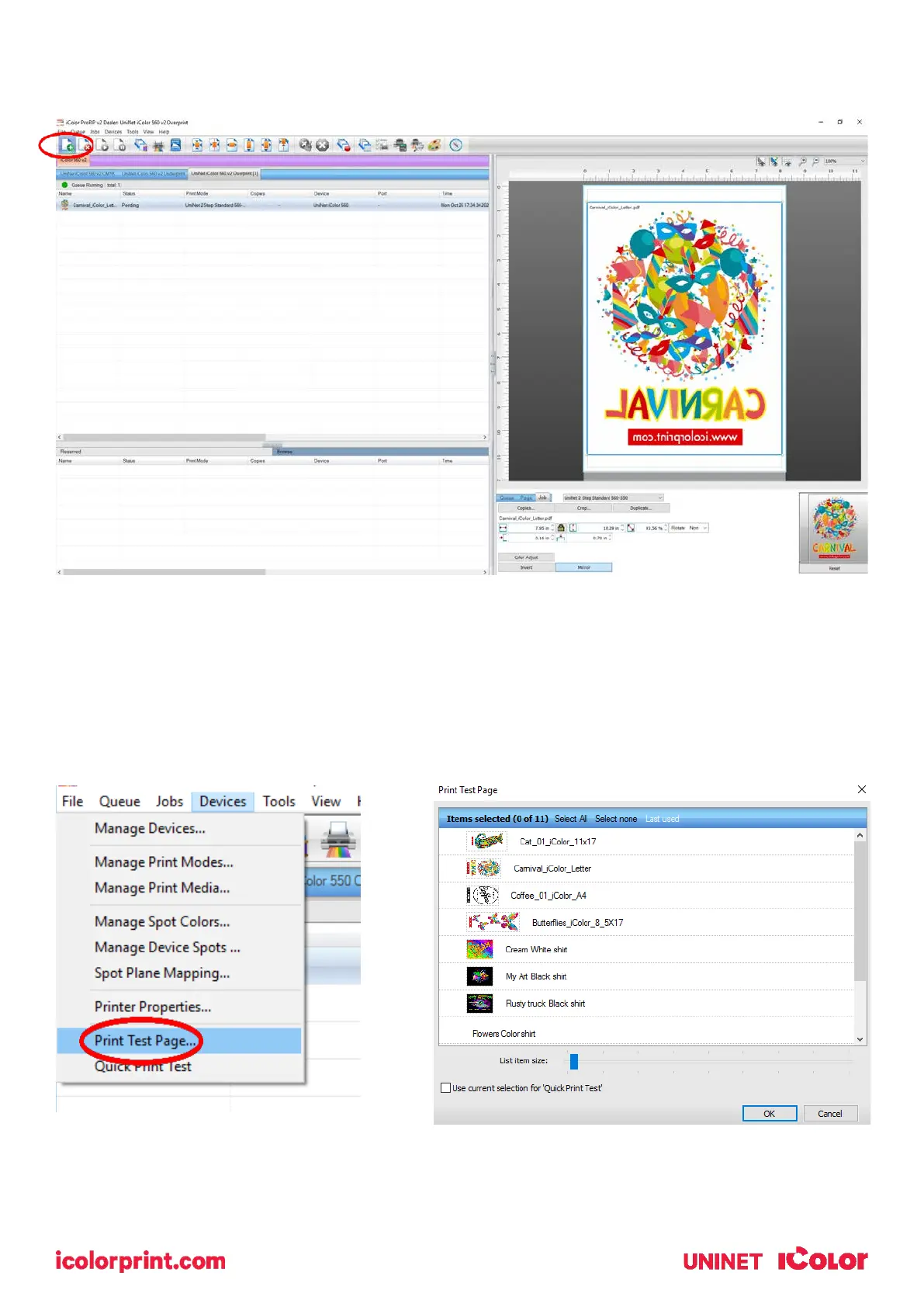
11) Import the desired graphic by clicking the ‘green plus’ icon and navigating to the proper folder. You can
also import by clicking File > Import File, or simply dragging and dropping your file into the queue.
12) There are preloaded images that can used to print a test page. Click Devices >> Print Test Page to see
the choices. It is suggested that you print a test page upon completion of the setup to confirm the printer
has been properly installed. Use [Shift] and [Ctrl] to click multiple pages), and then click OK. More about
the uses of each page can be found in the Help Topics file within the ProRIP program as well as the
ProRIP User Manual.



 To Next Page