34
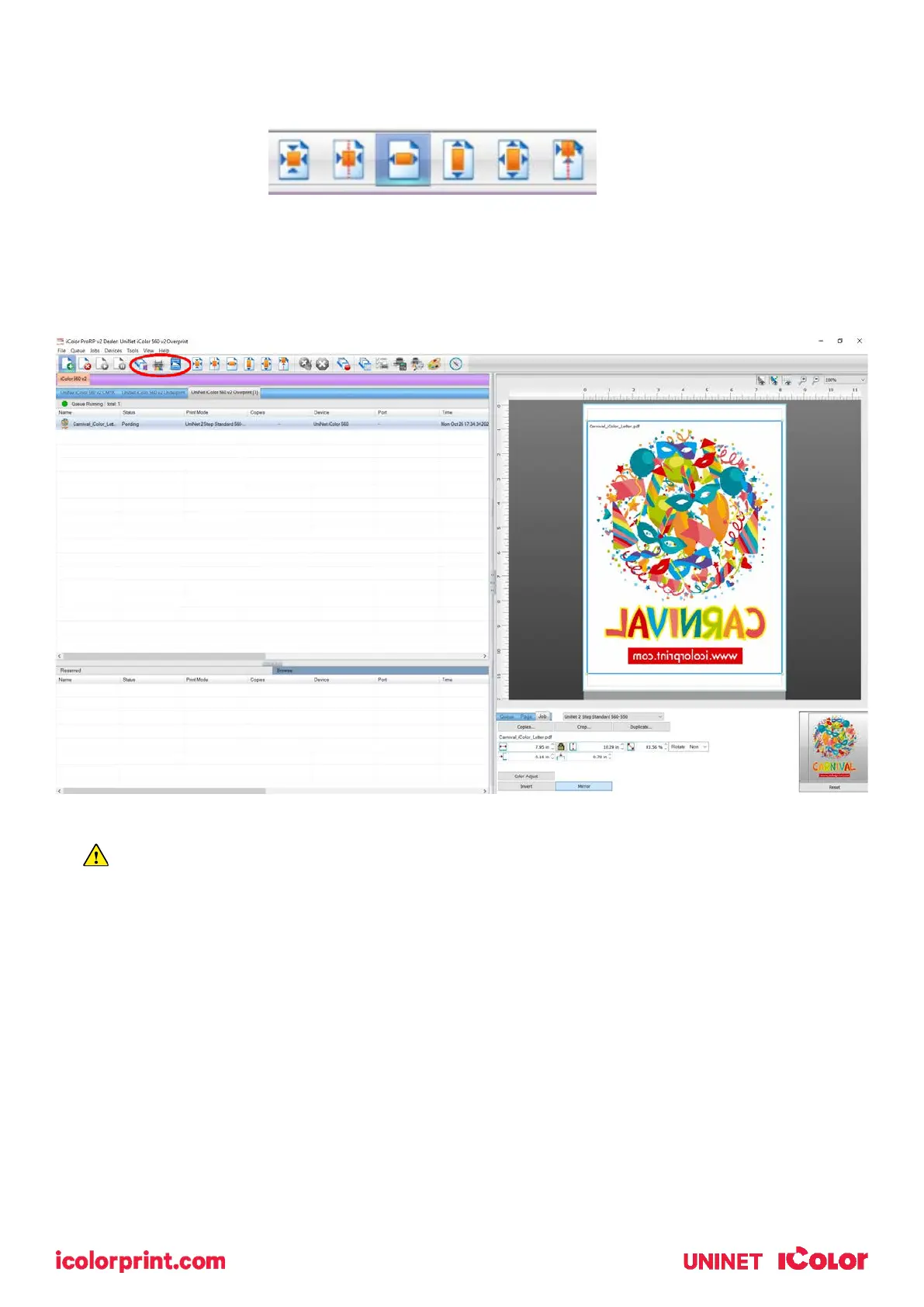
Adjustments can also be made by using these icons at the top of the screen.
When ready, click the ‘Print’ icon to print your graphic.
If you encounter any of these issues when printing from the RIP, please refer page 29, step 7 to
set the proper port in Queue Manager.
• Port Failed to open
• Holding
• Prompt to save rather than print



 To Next Page