AC-7000 User guide 20
㈜Union Community / Hyundai Topics building 5
th
floor, 44-3, Bangi 2-dong,
Songpa-gu, Seoul, Korea (138-050)
Tel: 02-6488-3000, Fax: 02-6488-3099, E-Mail:sales@unioncomm.co.kr
http://www.unioncomm.co.kr
125KHz RF / 13.56MHz Smart
simultaneous use
(1 Sam socket)
HID 125K Prox card (option)
HID iClass Card (option)
88.0mm * 175.0mm * 43.4mm
3. Environment setting
3.1. Checks before setting the environment
3.1.1. Entering the menu
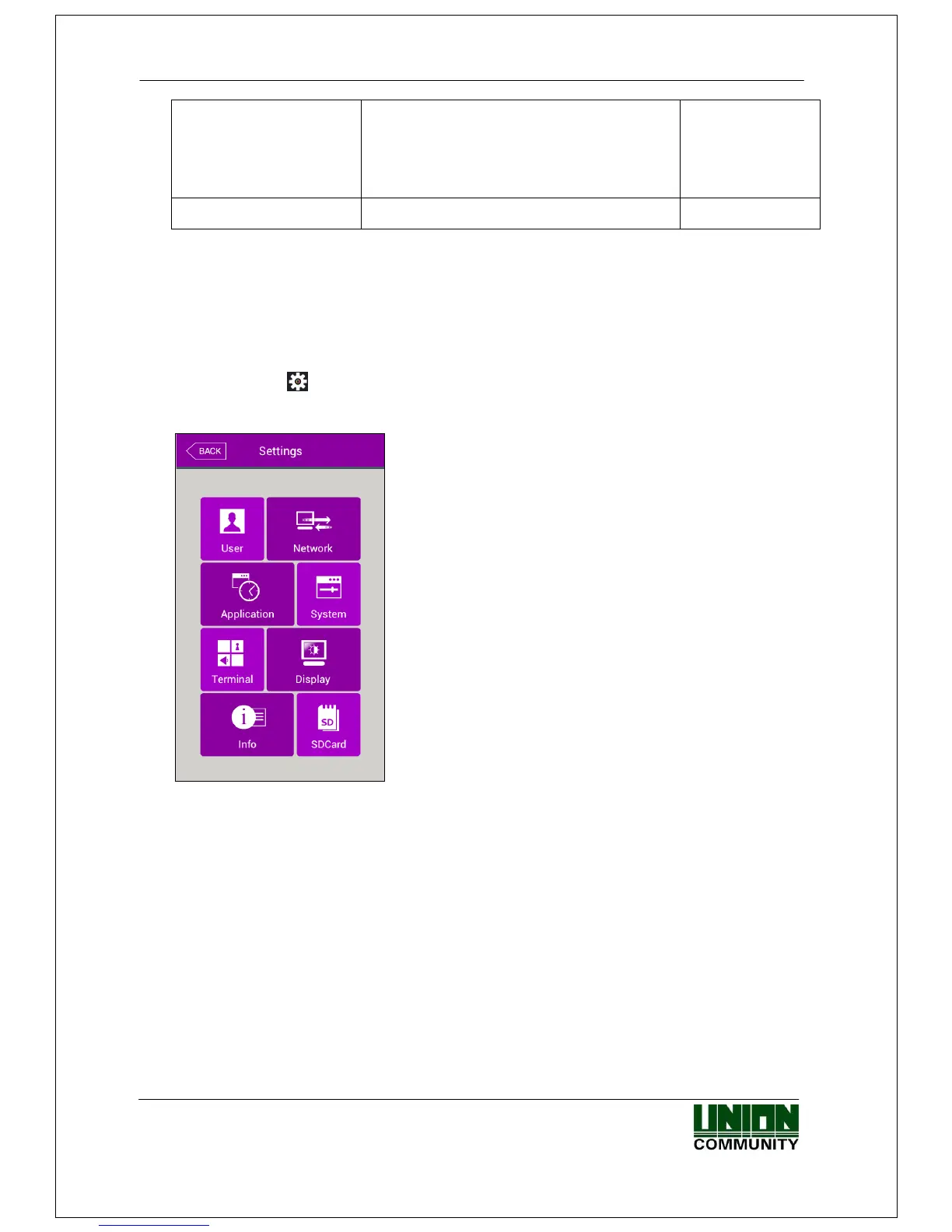
If you click the [ ] icon at the basic window, you can enter the main menu window as
follows.
You can enter the subdivision menu by clicking
each button.
<Fig. 3-1>
3.1.2. Administrator authorization
If the administrator is registered, the following administrator authorization window
appears first.



 To Next Page
 Loading...


