AC-7000 User guide 72
㈜Union Community / Hyundai Topics building 5
th
floor, 44-3, Bangi 2-dong,
Songpa-gu, Seoul, Korea (138-050)
Tel: 02-6488-3000, Fax: 02-6488-3099, E-Mail:sales@unioncomm.co.kr
http://www.unioncomm.co.kr
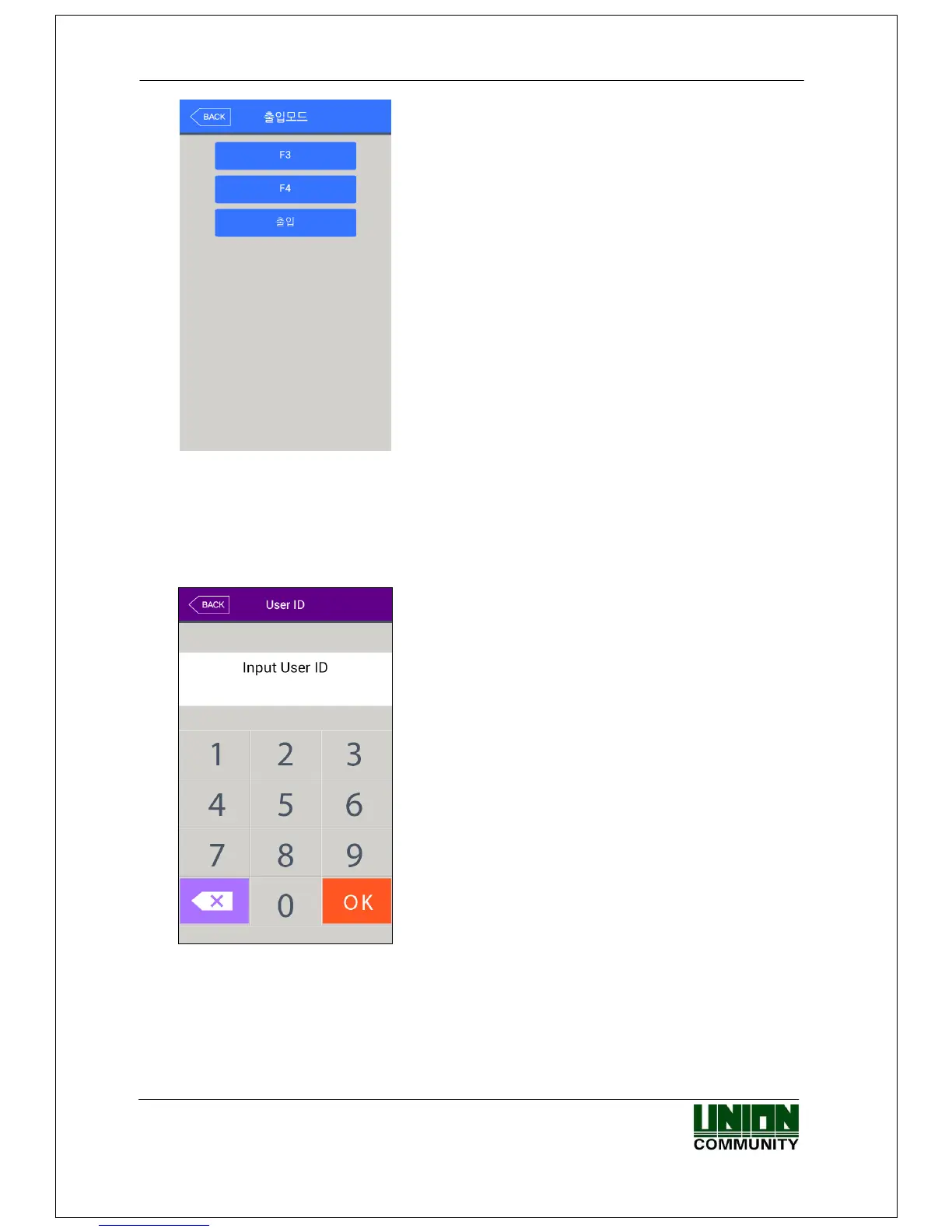
In the access mode selection screen, as shown in the
left, click the preferable access mode button, which the
screen will move to the selected access mode.
4.2. ID input
If you click the [ID input] button at the basic window, following ID input window appears
as follows.
Enter the user ID to be certified and click [OK]
button, then the input screen of fingerprint, face,
card, or password according to the authorization
method of the user.
<Fig. 4-2>
4.3. Authorization
4.3.1. Face authorization


 To Next Page
 Loading...


