AC-7000 User guide 64
㈜Union Community / Hyundai Topics building 5
th
floor, 44-3, Bangi 2-dong,
Songpa-gu, Seoul, Korea (138-050)
Tel: 02-6488-3000, Fax: 02-6488-3099, E-Mail:sales@unioncomm.co.kr
http://www.unioncomm.co.kr
3.9.3. Network information
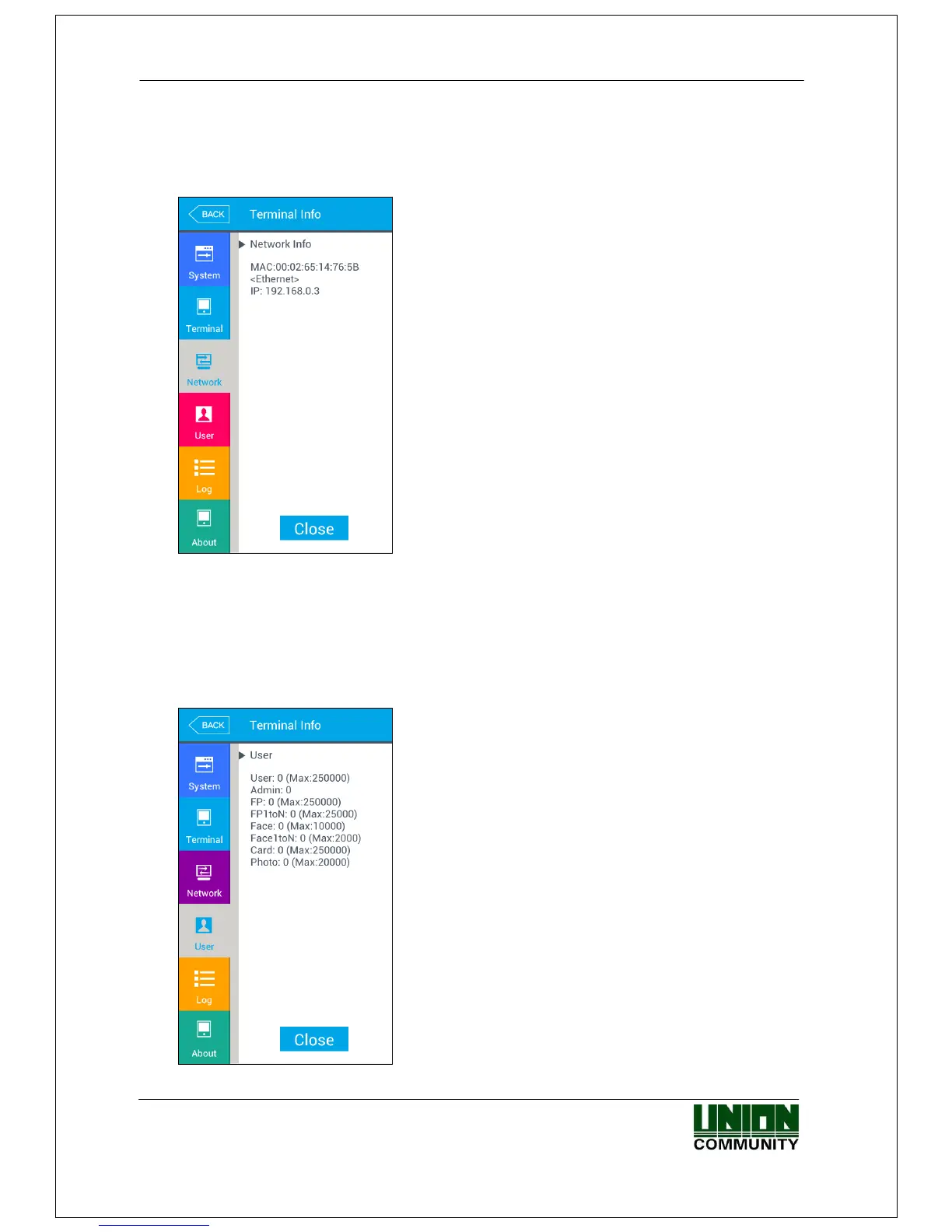
If you select the [Terminal information]->[Network] in the main menu, the
following window appears.
▶Network information
It shows the network setting value of the terminal
If you want to finish the inquiry and move to the upper menu, click [CLOSE] or [BACK] button.
3.9.4. User information
If you select the [Terminal information]->[User] in the main menu, the following
window appears.
▶User information
- User: The number of users registered (including
administrator)
- Admin: The number of the administrators
registered.
- FP: The number of all the fingerprints registered.
- FP1 to N: The number of fingerprints which can
be authorized by 1:N.
- Face: The number of the users who registered the
face
- Face1 to N: The number of users who can be
authorized by 1:N
- Card: The number of cards registered
- Photo: The number of users who registered the
picture
(Max means the maximum number of registrations
for each item.)


 To Next Page
 Loading...


