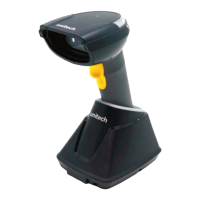
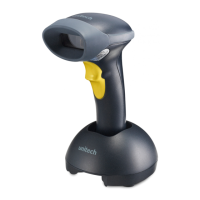
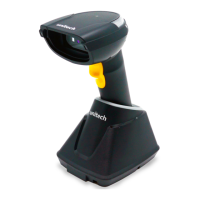
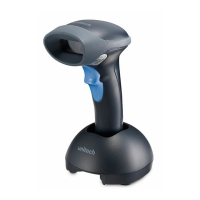
USB Interface
When the scanner is connected to a host device
through its USB interface, USB HID-KBW is enabled
by default. User can switch between options
–
USB
DATAPIPE, USB HID-KBW, USB COM Port Emulation
and HID-POS, upon actual need.
W070901
*USB HID-KBW
W031A00
*Standard Keyboard
Emulate ALT+Keypad
When Emulate ALT+Keypad is enabled, any ASCII
character (0x00 - 0xFF) is sent over the numeric
keypad no matter which keyboard type is selected.
Since sending a character involves multiple keystroke
emulations, this method appears less efficient.
1.
ALT Make
2.
Enter the number corresponding to the ASCII
character on the keypad.
3.
ALT Break
Emulate ALT+Keypad
W031A03


 To Next Page