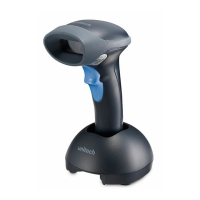
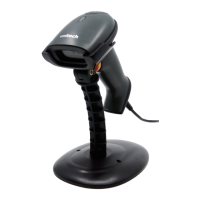
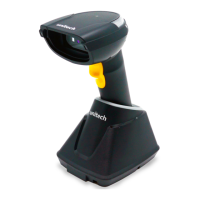
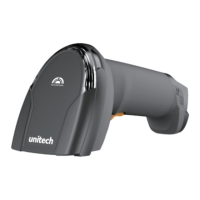
6. Scan the MAC address of the dongle by using the MS842P scanner.
7. When being successfully connected to the dongle, the scanner will beep shortly
one time with a high tone.
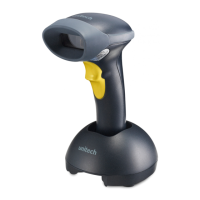
When being not used, the scanner can be also set on the cradle for battery
charging.
USB Host Parameters
USB Device Type
Select the desired USB device type.
USB Virtual COM
8
Copyright 2013 Unitech Electronics Co., Ltd. All rights reserved. Unitech is a registered trademark of Unitech Electronics Co., Ltd.



 To Next Page
 Loading...