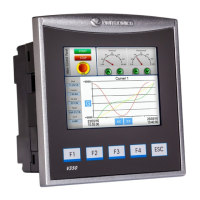
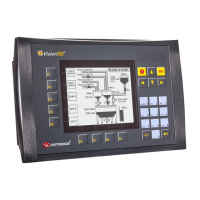
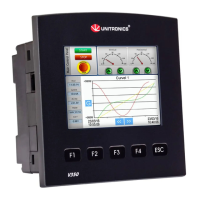
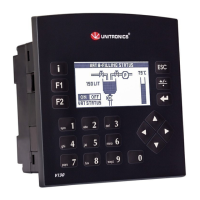
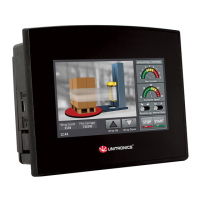
Installation Guide Vision™ OPLC™, V1040-T20B
Unitronics 3
Inserting the Battery
In order to preserve data in case of power-off, you must insert the battery.
The battery is supplied taped to the battery cover on the rear of the controller.
1. Remove the battery cover shown on page 4. The polarity (+) is marked on the battery holder and
on the battery.
2. Insert the battery, ensuring that the polarity symbol on the battery is:
- facing up
- aligned with the symbol on the holder
3. Replace the battery cover.
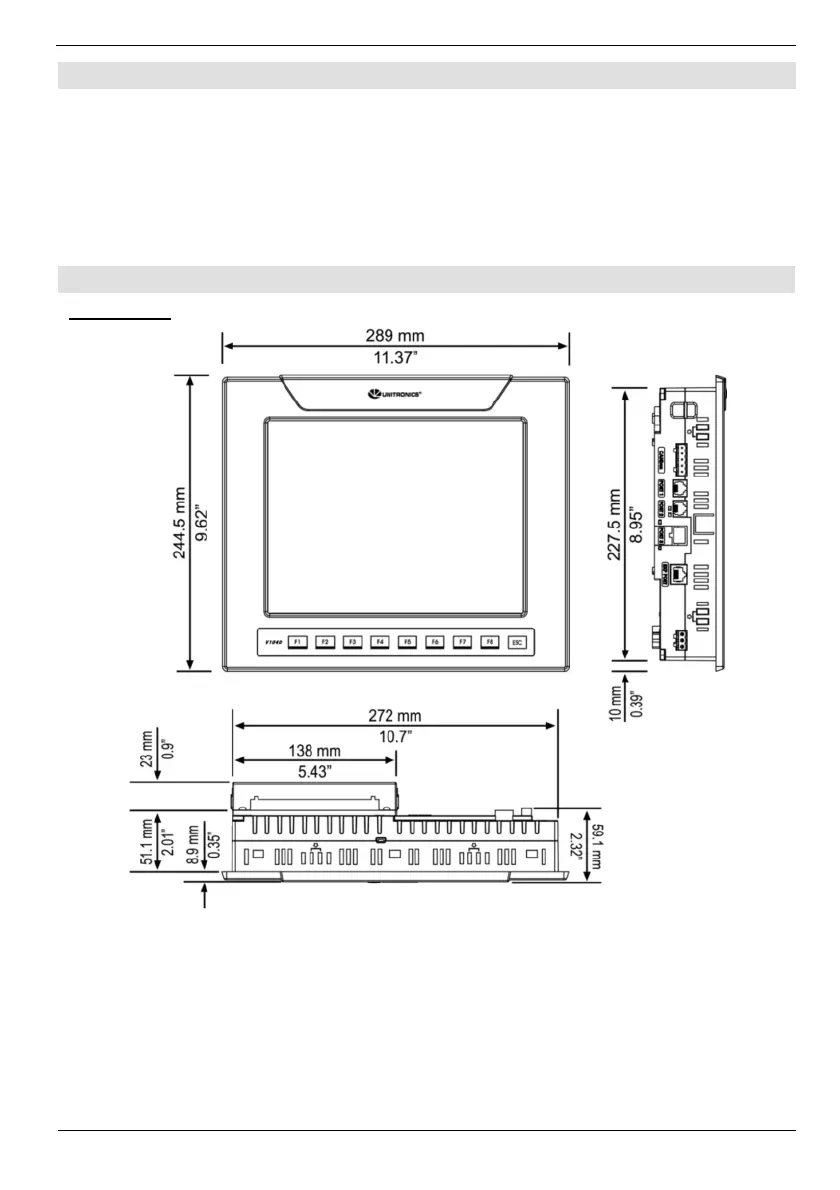
Mounting
Dimensions
Note that the LCD screen may have a single pixel that is permanently either black or white.


 To Next Page
 Loading...