ACCESSORIES
Section 8-18
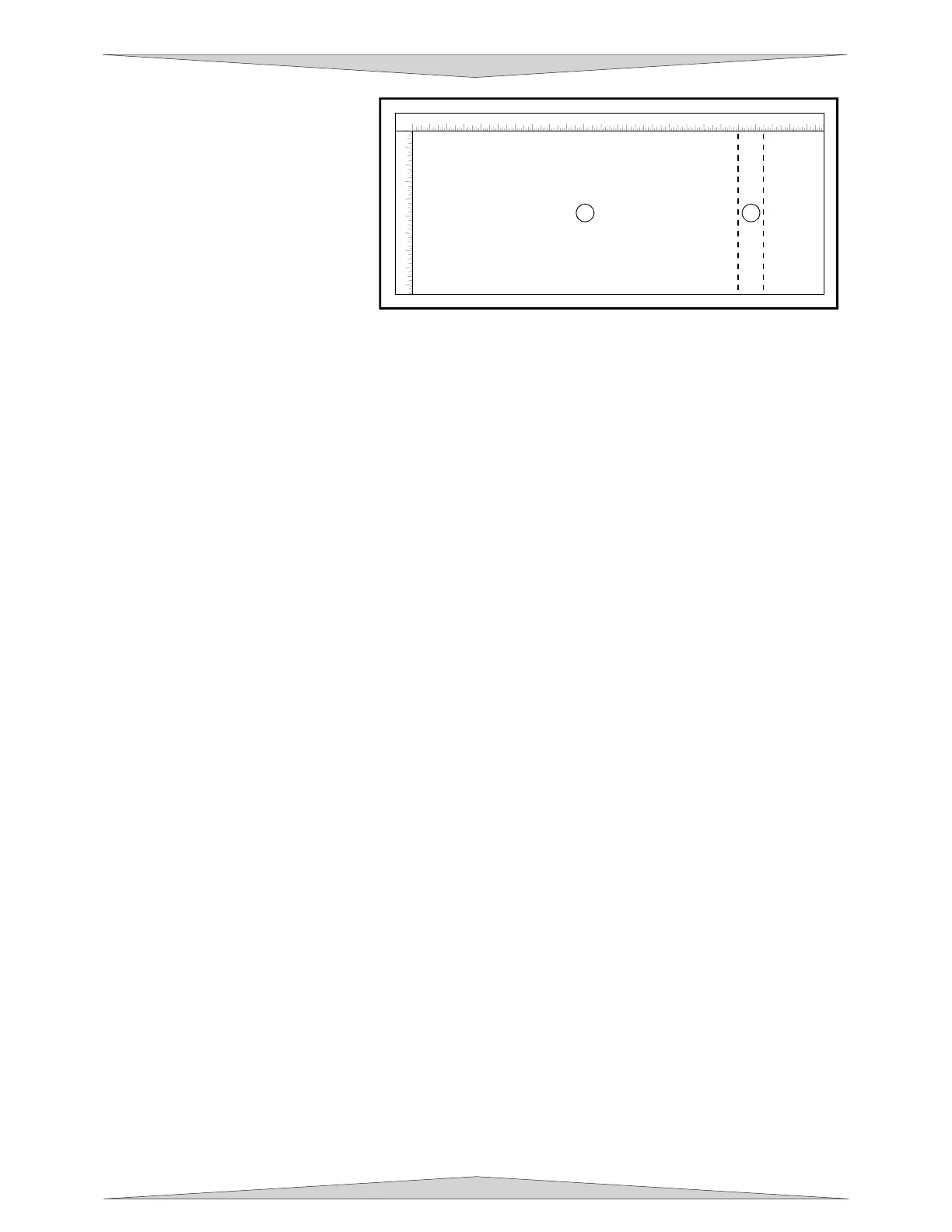
This new vertical page size is now
the actual circumference of the
object that is going to be engraved.
From the top of the page (on
screen) to the bottom represents
one complete revolution of the
Rotary Fixture. For example, if
engraving a glass that has a
diameter of 3.075 inches (78.1 mm),
the driver calculates that the
circumference of the glass (and
vertical page size) is 9.66 inches
(245.4 mm).
Position the graphic, on screen, so that it will fit vertically within the new vertical page height
(circumference) and horizontally within the upper and lower engraving limits that we earlier determined
with the Red Diode Laser Pointer. If the graphic does not fit within the vertical page size limits, the
portion that is outside the page limit will not engrave. Remember, the new page size that the driver
calculates from the diameter of the glass is its actual circumference. From the top of the page down to
the bottom is one complete revolution of the glass. Since the Rotary Fixture will not turn more than 360
degrees, make sure that the graphic lies between the page limits.
You are now ready to print to the laser system. Make sure that your system is ready to engrave and then
begin the process.
Rotary Fixture Removal
Turn the UCP and laser system OFF. Unplug the fixture’s power cable. Remove fixture from laser
system by lifting it off the bracket. If you plan on using your fixture daily, you might want to leave the
bracket attached to the table so that you can easily load and unload the fixture. If you seldom use the
fixture, you might want to remove the bracket from the engraving table because the bracket may interfere
with using “Autofocus”. If you use “Autofocus” and leave the bracket attached to the table, the thinnest
piece of material that you can “Autofocus” on would be the thickness of the bracket because the
“Autofocus” sensor can only detect materials taller than the bracket unless the bracket is removed. If you
do not use “Autofocus”, then you can leave the bracket attached to the table, it is your choice.
1
2 3 4 5 6 7 8 9 10 11 12 13 14 15
16
17
18
19
20
21 22 23 24
1
2
3
4
5
6
7
8
9
1
2



 To Next Page