36
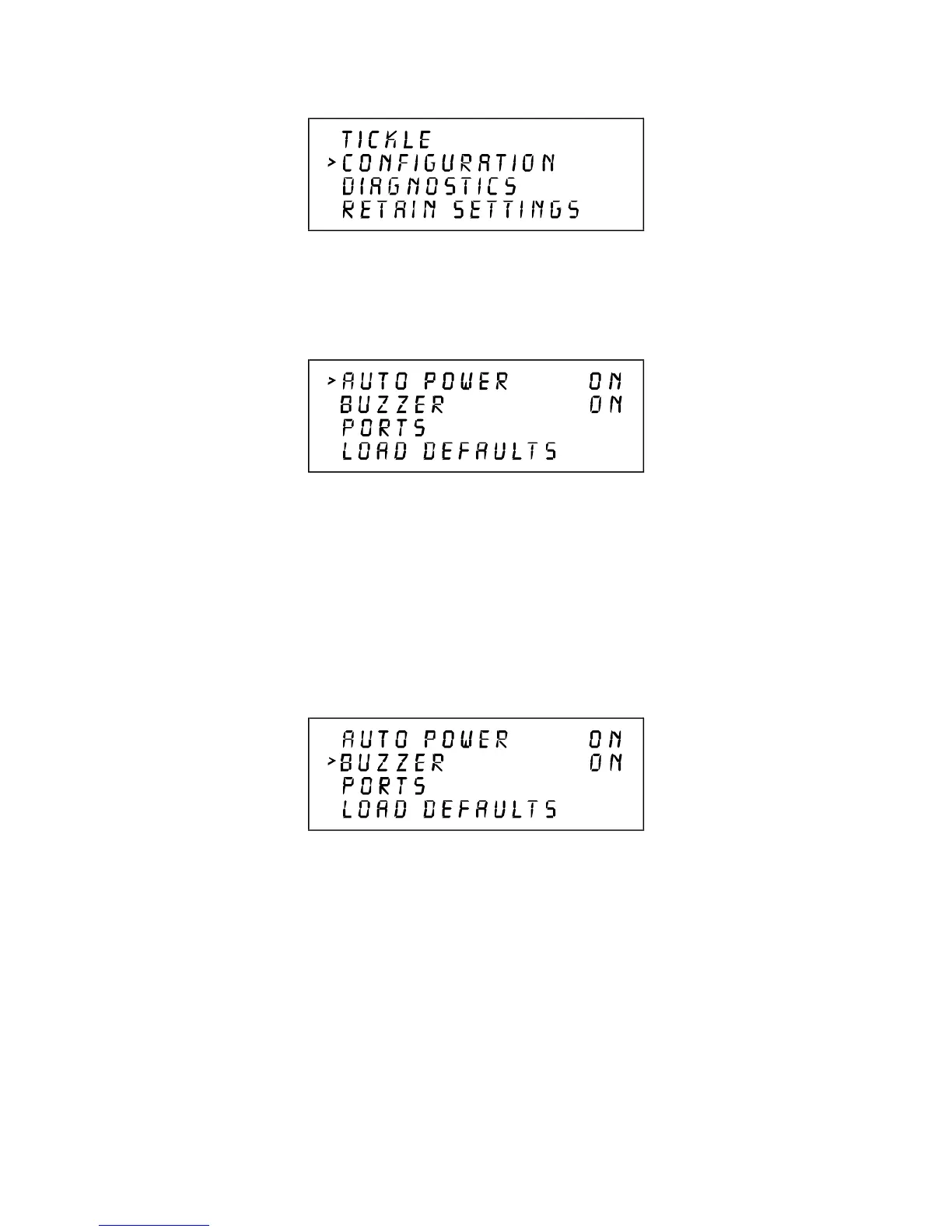
The CONFIGURATION selection allows the reconfiguration of certain features of the engraving
system. Selecting this option will lead to other menu choices.
AUTO POWER and BUZZER menu options can be toggled either ON or OFF by placing the cursor
on the appropriate menu choice and pressing SELECT. The AUTO POWER feature allows the laser
system to change power settings while it is cutting and engraving a file. If this feature is ON (the default
setting), the power settings will change in response to different colors used in the artwork (or in the
case of DOS applications different pen numbers assigned to the artwork) as described earlier in the
section on the power settings display. If this feature is turned OFF, the system will use the current
power setting selected in the POWER SETTINGS menu and no power changes will take place.
The BUZZER option emits a sound to indicate when a file has finished running and may be turned
OFF.



 To Next Page