39
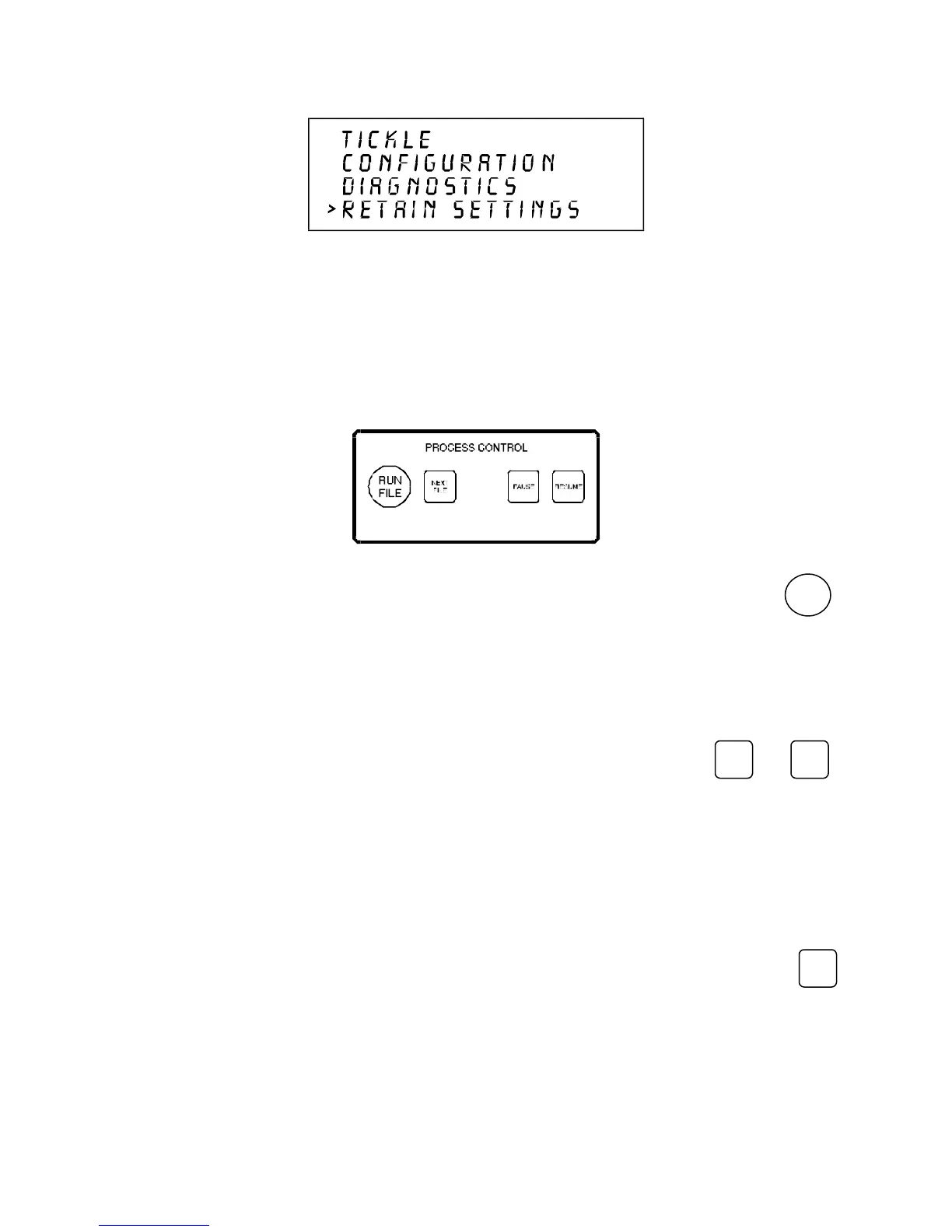
By selecting RETAIN SETTINGS, any and all changes made to the display settings will be
permanently stored even if power is turned off to the laser system. Those settings will be retained in the
laser system until they are changed and RETAIN SETTINGS is selected again.
THE PROCESS CONTROLS
RUN FILE
RUN
FILE
Press the RUN FILE button to start cutting or engraving the current file in the system buffer. Do not
press the RUN FILE button while the system is cutting or engraving a file; either pause the system or
wait until it has completed the job.
PAUSE AND RESUME
PAUSE
and
RESUME
The PAUSE button can be pressed while the system is cutting or engraving a file to pause all
operations. When paused, the motion system arm will move to its home position under the protective
overhang. When ready to resume operation, press the RESUME key and the system will begin
cutting or engraving again where it left off. The READY indicator light will blink when the system is
paused.
NEXT FILE
NEXT
FILE
Pressing the NEXT FILE button brings up the next file in the system buffer and makes it the current file.
Pressing the RUN FILE button starts cutting or engraving of the file. (Do not press the NEXT FILE
button while the system is cutting or engraving a file; either pause the system or wait until it has
completed the job.)



 To Next Page