MSC-400 Reference Manual
Rev 4
77
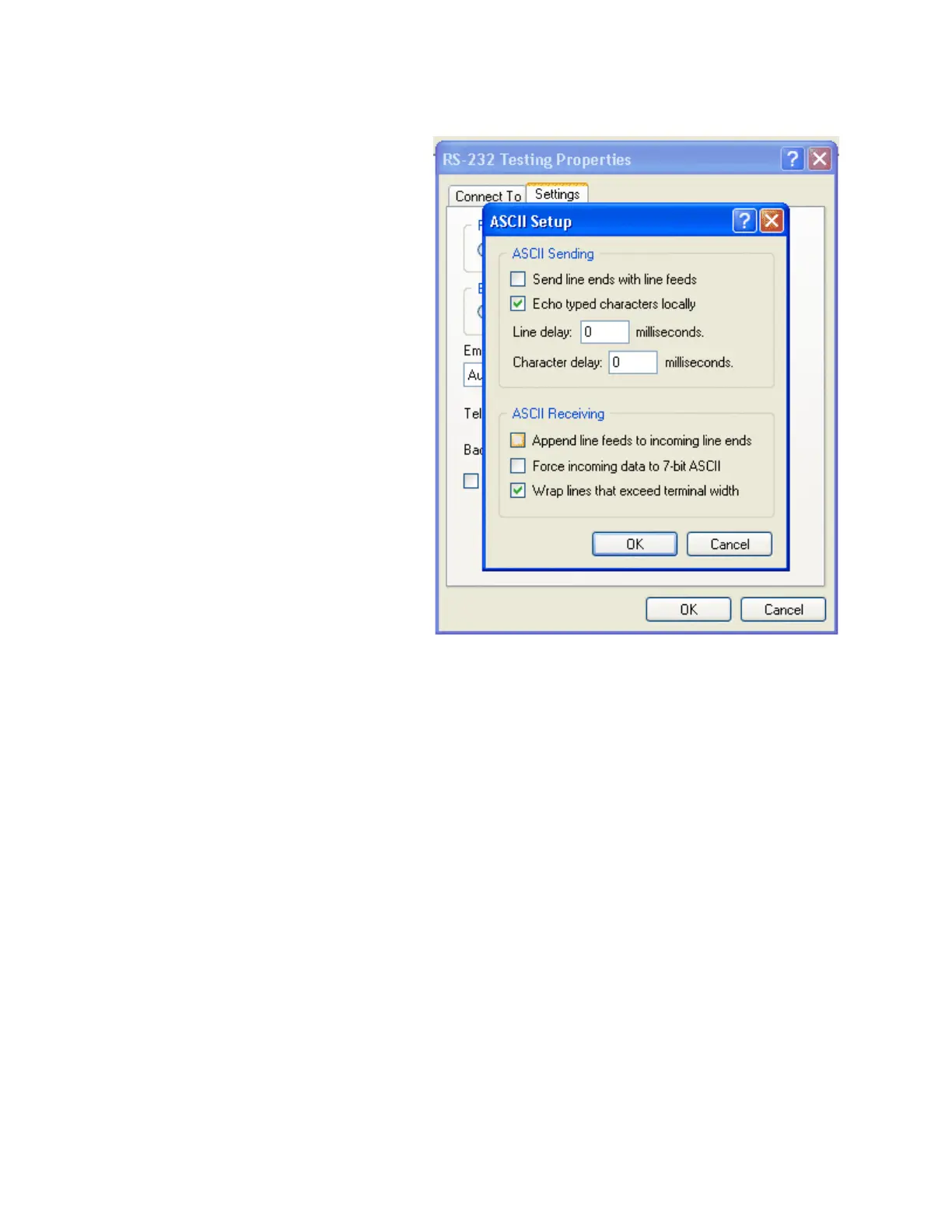
7. Click on ASCII SETUP. This
will bring up another new box,
“ASCII” Setup…”. You need
to check the box labeled
“Echo typed characters
locally”, then click OK.
NOTE: In addition, most installers find it helpful to check the boxes labeled “Send line
ends with line feeds” and “Append line feeds to incoming line ends”. These two options
make it easier to read the data as you type it and to easily comprehend any replies the
device sends back to your computer.



 To Next Page