MSC-400 Reference Manual
Rev 4
76
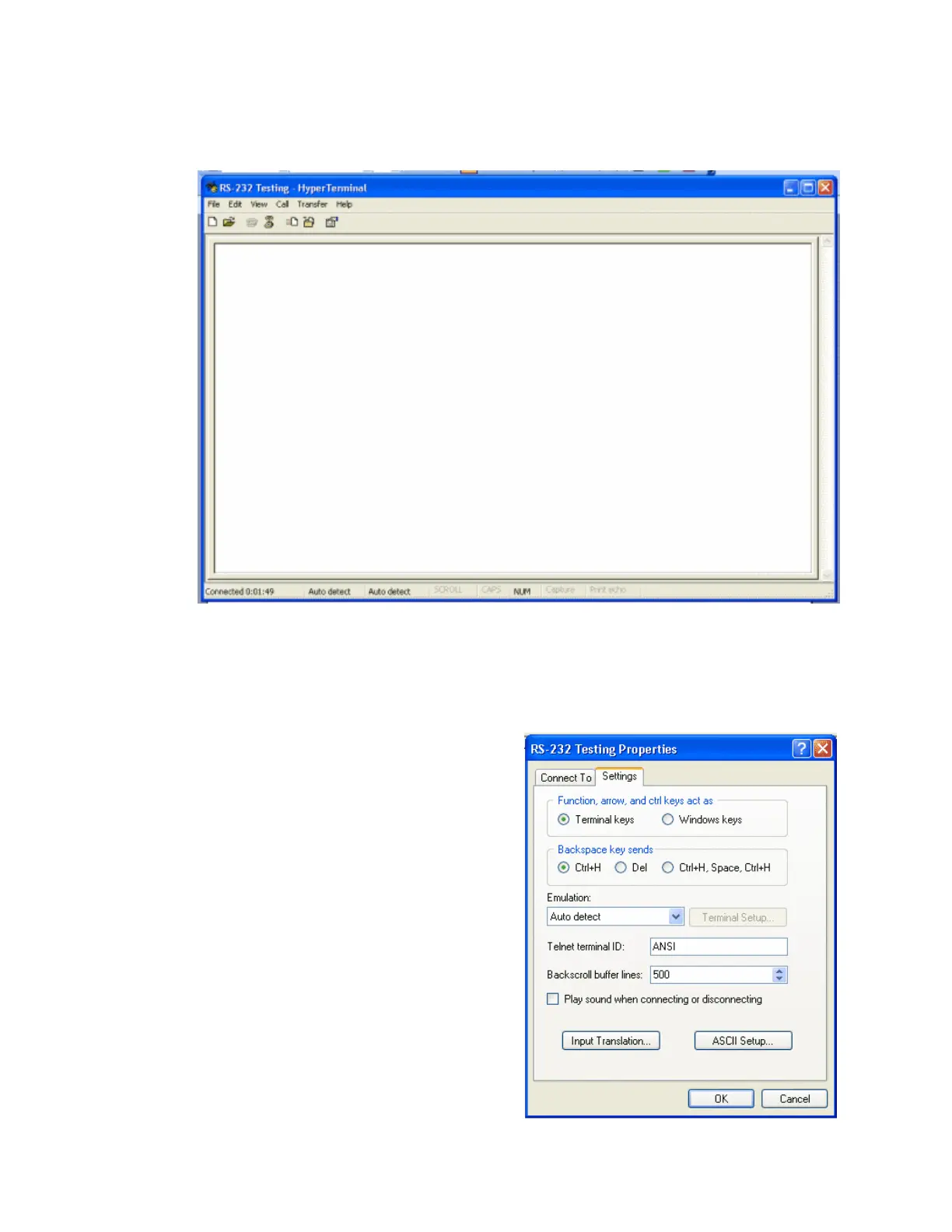
5. You are now seeing the main HyperTerminal window. This is where you’ll be
entering your RS-232 commands for testing and it is also where you can
examine RS-232 commands that are sent out by the MSC-400.
Before we can start the testing process, there is one more thing you have to do. By
default, feedback (status return messages) don’t appear in HyperTerminal. To ensure
that you have sent out the correct commands it often helps to see the response from the
device you are trying to control. To see those response, you’ll need to follow the
instructions in step 7.
6. Select the FILE option, then
PROPERTIES in the HyperTerminal
window. This will open a new window
with two tabs, CONNECT TO and
SETTINGS. Choose the Settings option.



 To Next Page