Basic Use
Powering the LCD TV
Power on/off
To turn the LCD TV on:
Press the “POWER” but on.
To turn the LCD TV off:
Press the “POWER” but on on the LCD TV.
To turn on/off by remote control:
Press the “POWER” bu on of the remote control.
Input Source
You can select between the TV signal and the input signal of other equipments
Connected to the TV.
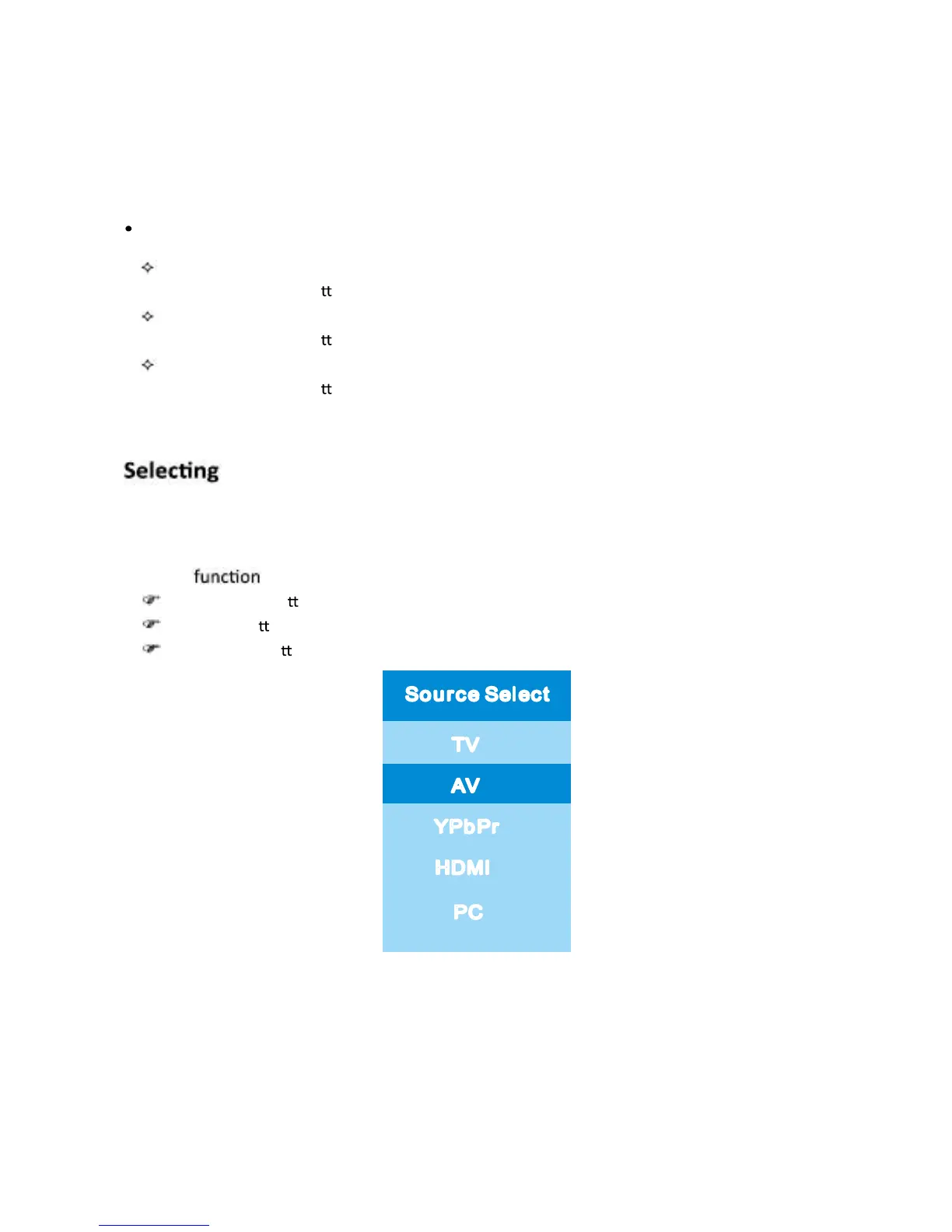
Use this To switch to the input source you wish to view.
Press INPUT but on on the remote control.
Use
▲/▼
but ones to move to the desired input source.
Press ENTER but on to confirm.
So u r c e Self ec t
TV
AV
YPb Pr
HDMI
PC
English -11



 To Next Page