PC Mode
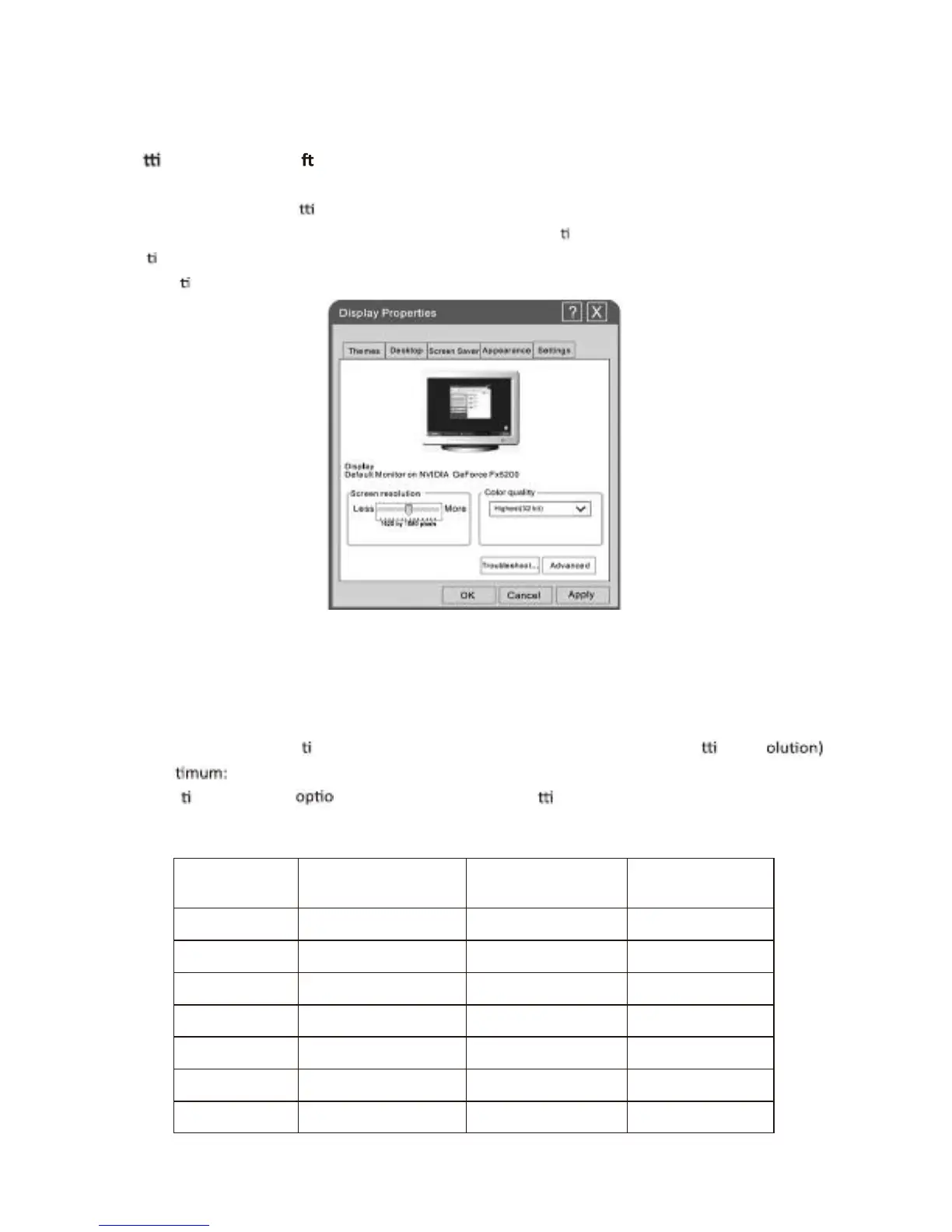
Se ng up your PC so ware (based on Windows XP)
The Windows display-se nags for a typical computer are shown below. But the actual screen on
Your PC will probably be deferent, depending upon your par culler version of Windows and your
Par collar video card. But even if you're actual screen looks different, the same, basic set-up
Informal on will apply in almost all cases.
1.
2.
3.
4.
First, click on “Control Panel” on the Windows start menu.
When the control panel window appears, click on “Appearance and Themes” and a display
Dialog-box will appear.
When the control panel window appears, click on “Display” and a display dialog-box will
Appear.
Navigate to the “Set nag” tab on the display dialog-box. The correct size se nag (res
Op 1920X1080.
If a ver. cal-frequency N exists on your display se nags dialog box, the correct value is
“60Hz”. Otherwise, just click “Enter” and exit the dialog box.
English -36



 To Next Page