Batteries Installation
of Remote-Control Unit
1. Li the cover at the back of the remote control upward as shown in the figure.
2. Install two AAA size Eries.
Make sure to match the ‘+’ and ‘-’ ends of the be
Compartment.
3. Replace the cover.
Is with the diagram inside the
Remove the And store them in cool, dry place if you won’t be using the remote
Control for a long (Assuming typical TV usage, the Should last for about one
Year.)
If the remote control doesn’t work, check the following:
Is the TV power on?
Are the plus and minus ends of the Reversed?
Are the be Rise drained?
Is there a power outage or is the power cord unplugged?
Is there a special fluorescent light or neon sign nearby?
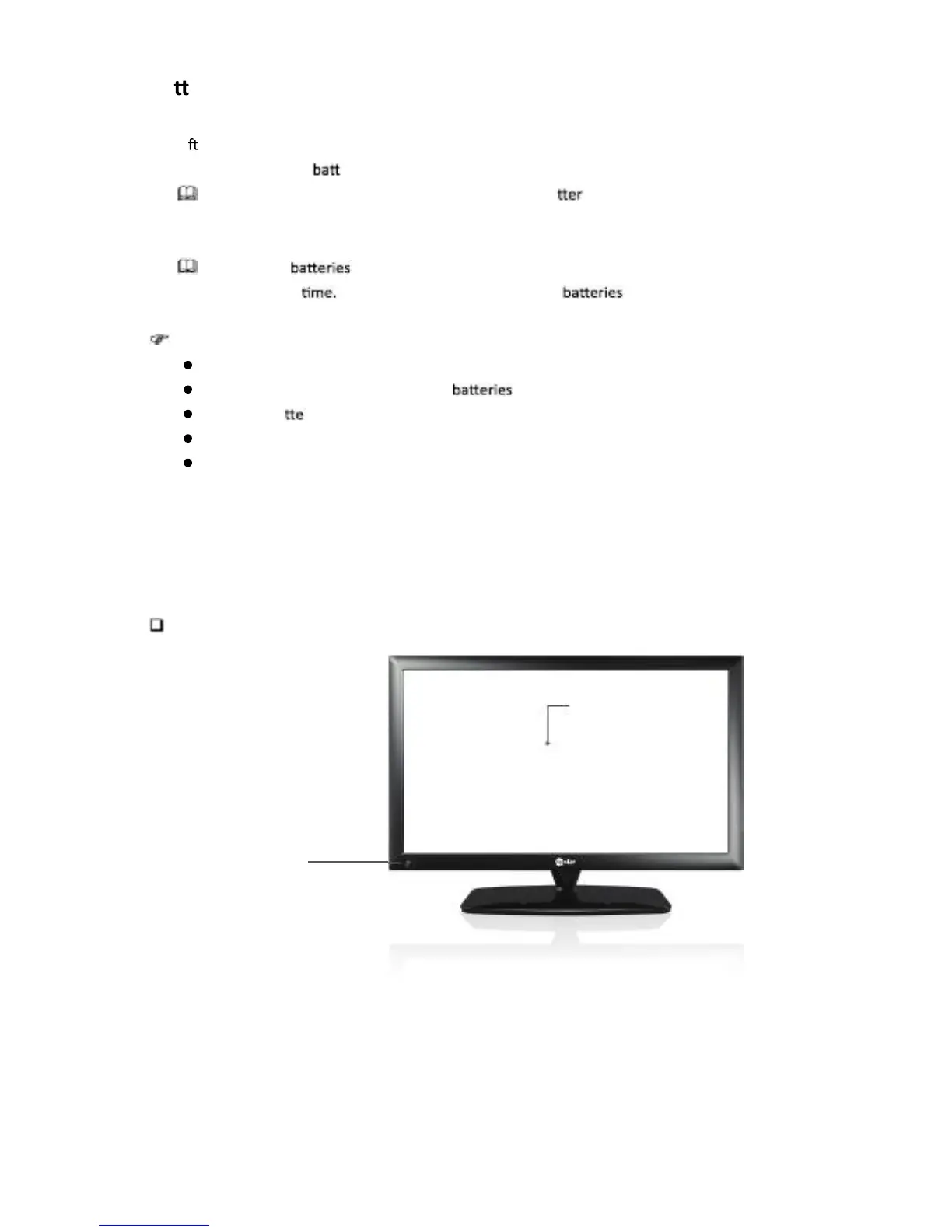
Names of each part
P250WT
Screen
Remote control and
Intelligent sensors
English -5



 To Next Page