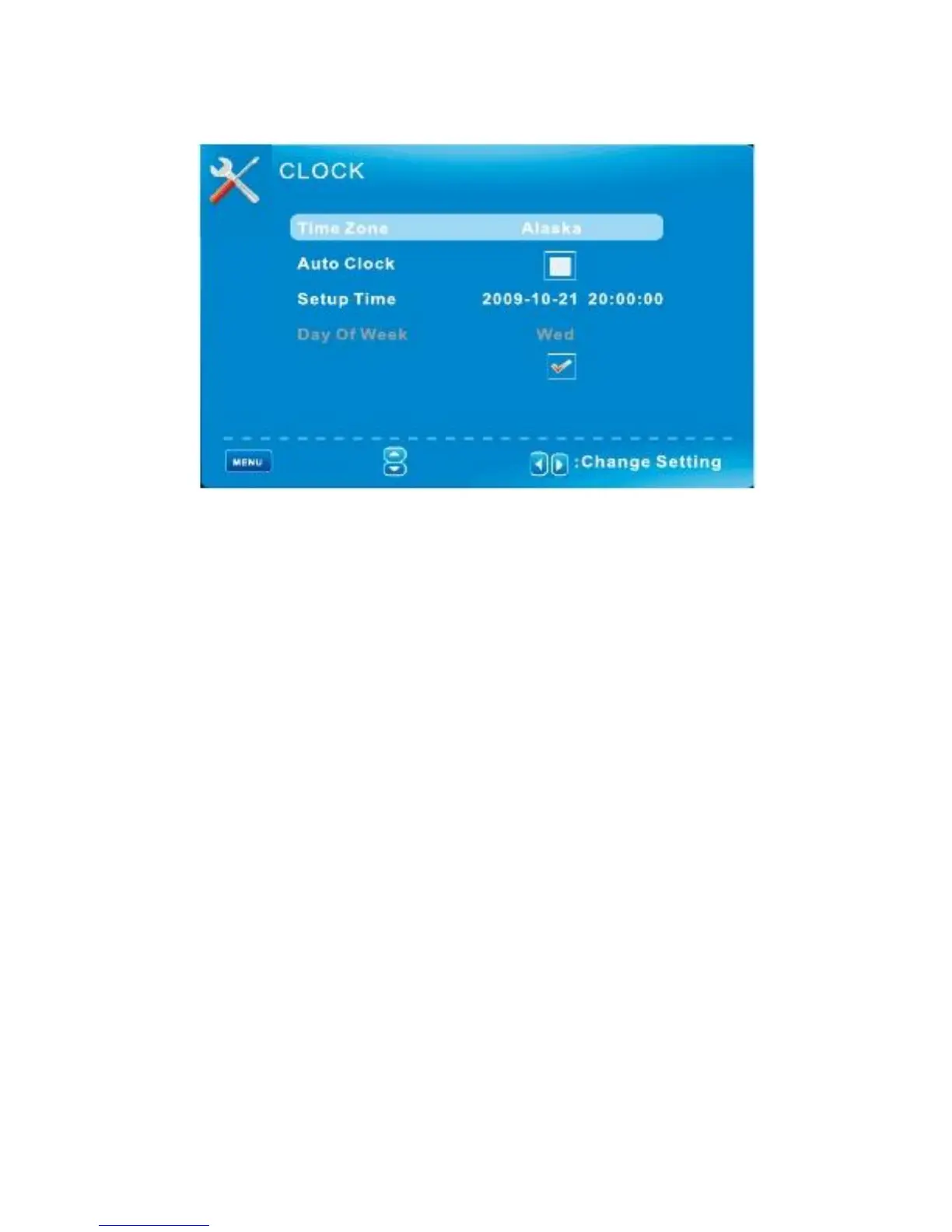
SETUP MENU/ Clock
Daylight Saving Time
: Return
: Return
:
Move
Time Zone
Hawaii/Alaska /Pacific /Central/Mountain/ Eastern/ Samoa/Newfoundland/Atlantic
Auto Clock
If set it to ON, the TV will sync the local clock according to the DTV broadcasting time
Automatically. Otherwise you can set the time manually.
Setup Time
Set Auto Clock to Off, then you can set the time manually.
Note: In the case of loss of power, the clock setting will be lost.
Day of Week
The TV will calculate current day of week according to the time.
Daylight Saving Time
When Auto Clock set to ON, this item is available to enable daylight
Saving option or not.
English -34



 To Next Page