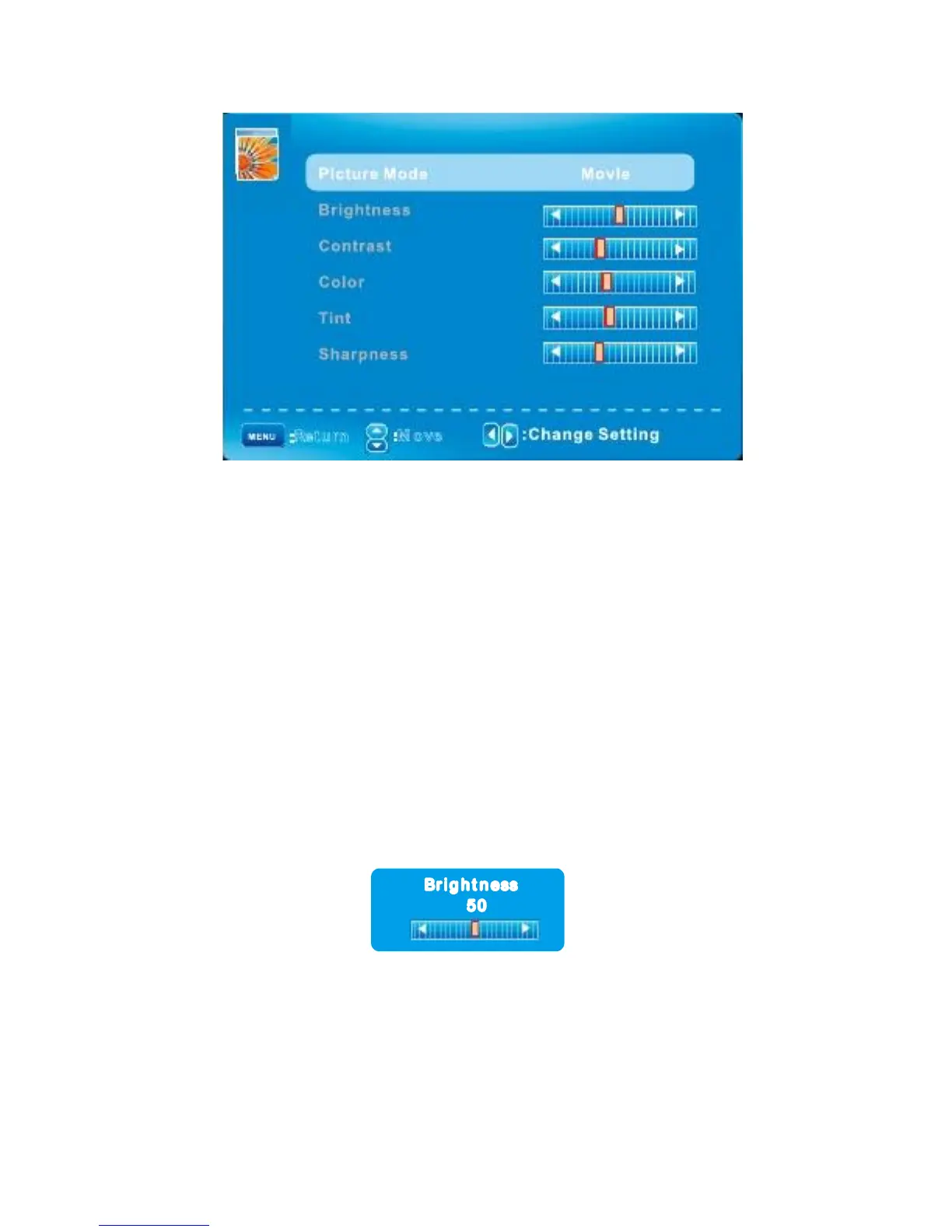
PICTURE MENU/ PICTURE Settings
: Return
: M over
When Picture Mode is set to User, the following settings can be manually adjusted.
Press PMODE shortcut button on the remote control to select picture mode directly.
Adjusting the values
Picture Mode
Highlight the item and Press ◄/► to select. Movie/Dynamic/Standard/User
Brightness/Contrast/Color/Tint/Sharpness
Highlight the item and press
Appears, then press ◄/► to adjust the value. Tint is
Available when analog TV or NTSC-system AV or Svideo.
Press MENU to back the Picture Settings menu.
Br I g h t n less
50
English -15



 To Next Page