GENERAL INFORMATION
Figures and illustrate
In this User Manual are provided for reference only and may different from
Actual product appearance. Product design and specificaorder to
enhance product performance.
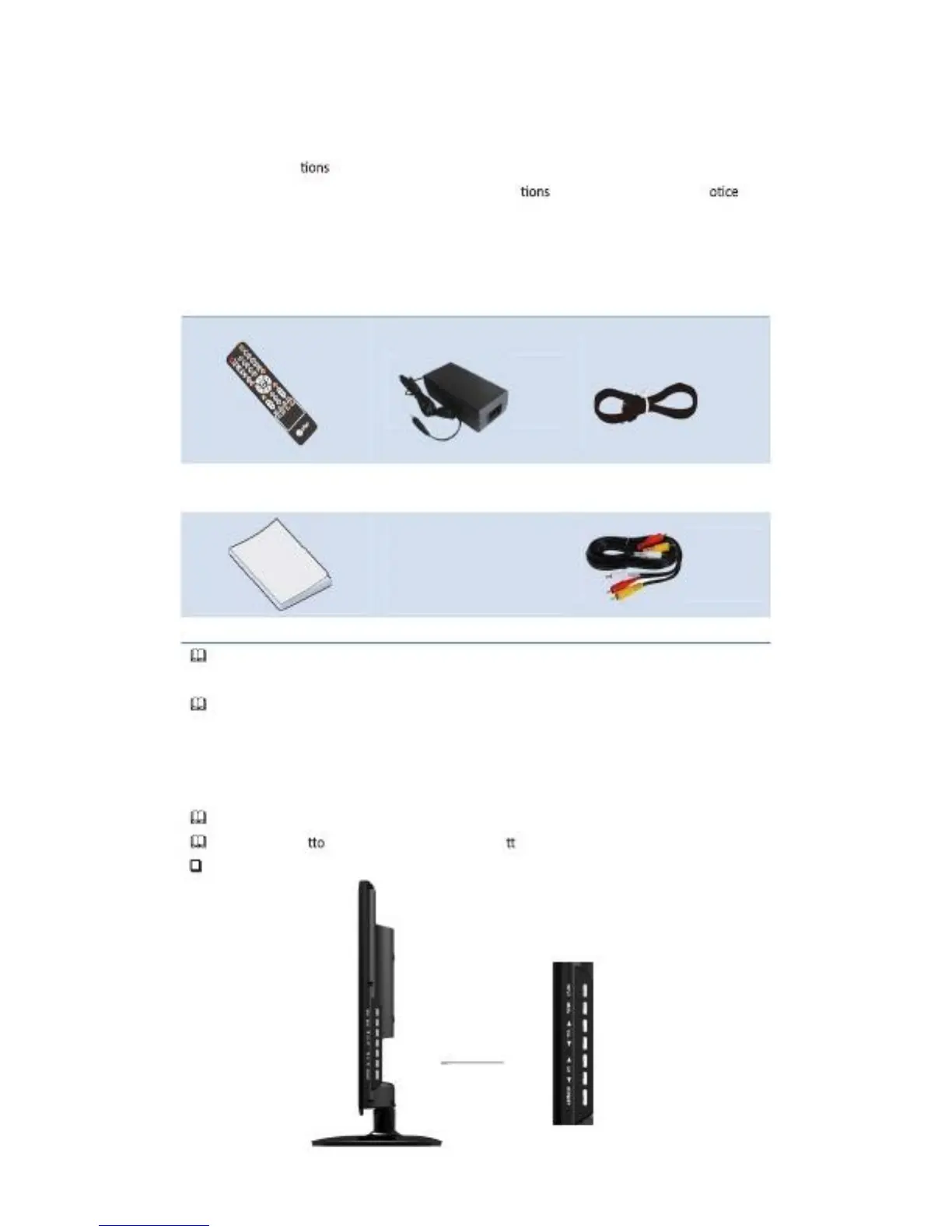
Accessories
May be changed without n In
Remote Control
User Manual Warranty
Power Adapter
Power Cord
AV Cable
Please make sure the following items are included with your LCD TV. If any items are missing,
Contact your dealer.
The items color and shape may vary depending on the model.
Viewing the Control Panel
The product color and shape may vary depending on the model.
You can use a but
N by pressing the side panel but ones.
P250WT
English -3



 To Next Page