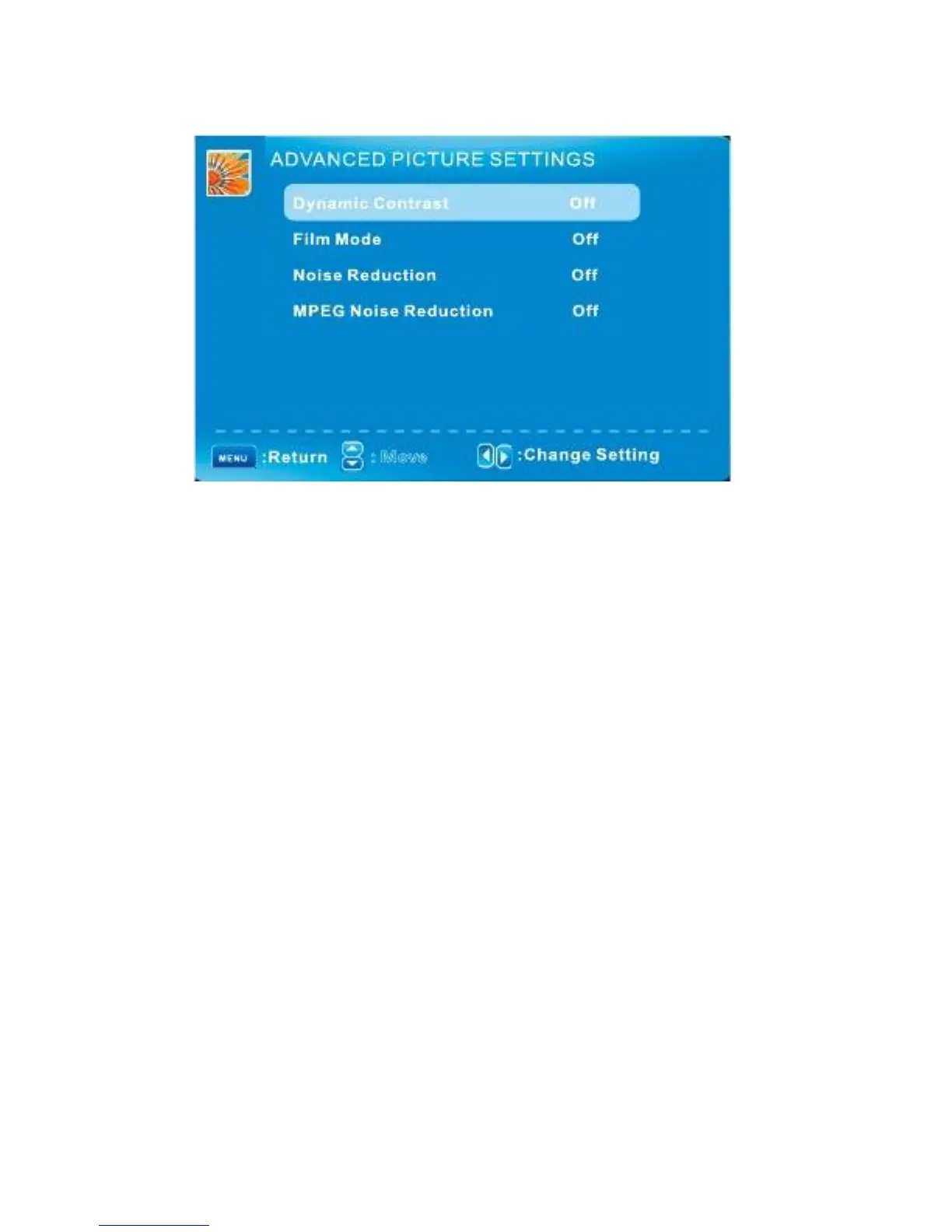
PICTURE MENU/ Advanced Picture Settings
: Move
Press
▼/▲
to highlight the item and press ENTER or
►
to display the sub-menu as following.
Dynamic Contrast
Off/Low/Medium/High
The system will adjust the luminance curve by analyzing the picture content dynamically.
Film Mode
Off/On
For the 2:2 or 3:2 format signal of cinema, enable special pixel process to reduce the flick of moving
Area.
Noise Reduction
Off/Low/Medium/High
You can clear up analog TV signal by reducing the dot noise. This feature is not available at PC
Or Media source.
MPEG Noise Reduction
Off/Low/Medium/High
Similar with the Noise Reduction, you can set to reduce the block noise.
English -17



 To Next Page