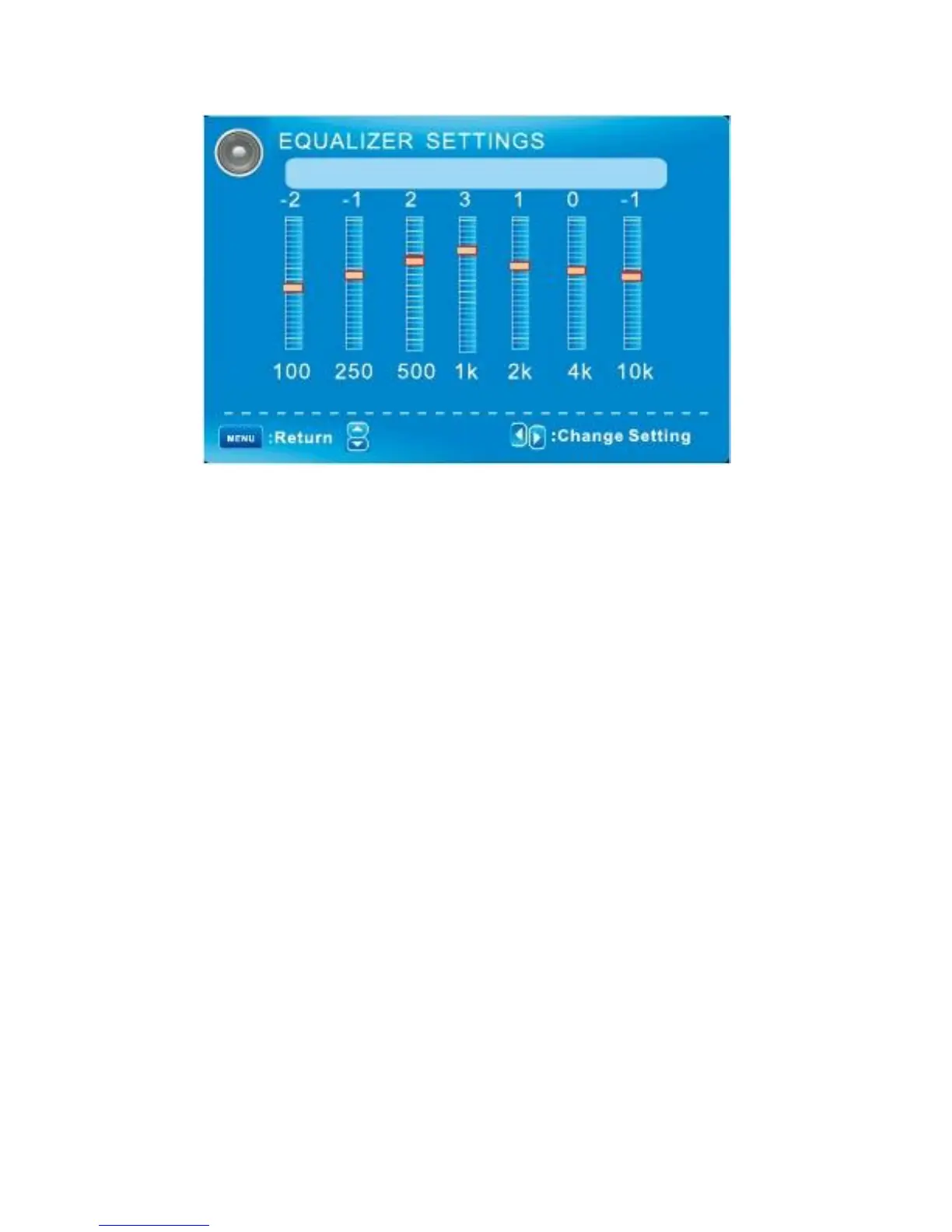
SOUND MENU/ Equalizer Settings
Mode
: Move
Pop
Mode
Off/Rock/Pop/Jazz/User (only in User mode, the following can be manually adjusted.)
Adjust Equalizer Settings
Based on your favorites about which frequency band need to be adjusted, make small
Adjustment with certain frequency band at a time. Suggest NOT making too large changes.
1 Set Mode to User.
2 Press ▼ to select the rest (100Hz) item, then press ◄/► to select the band to be turned.
3 Press ▼/▲ to adjust the value.
English -20



 To Next Page