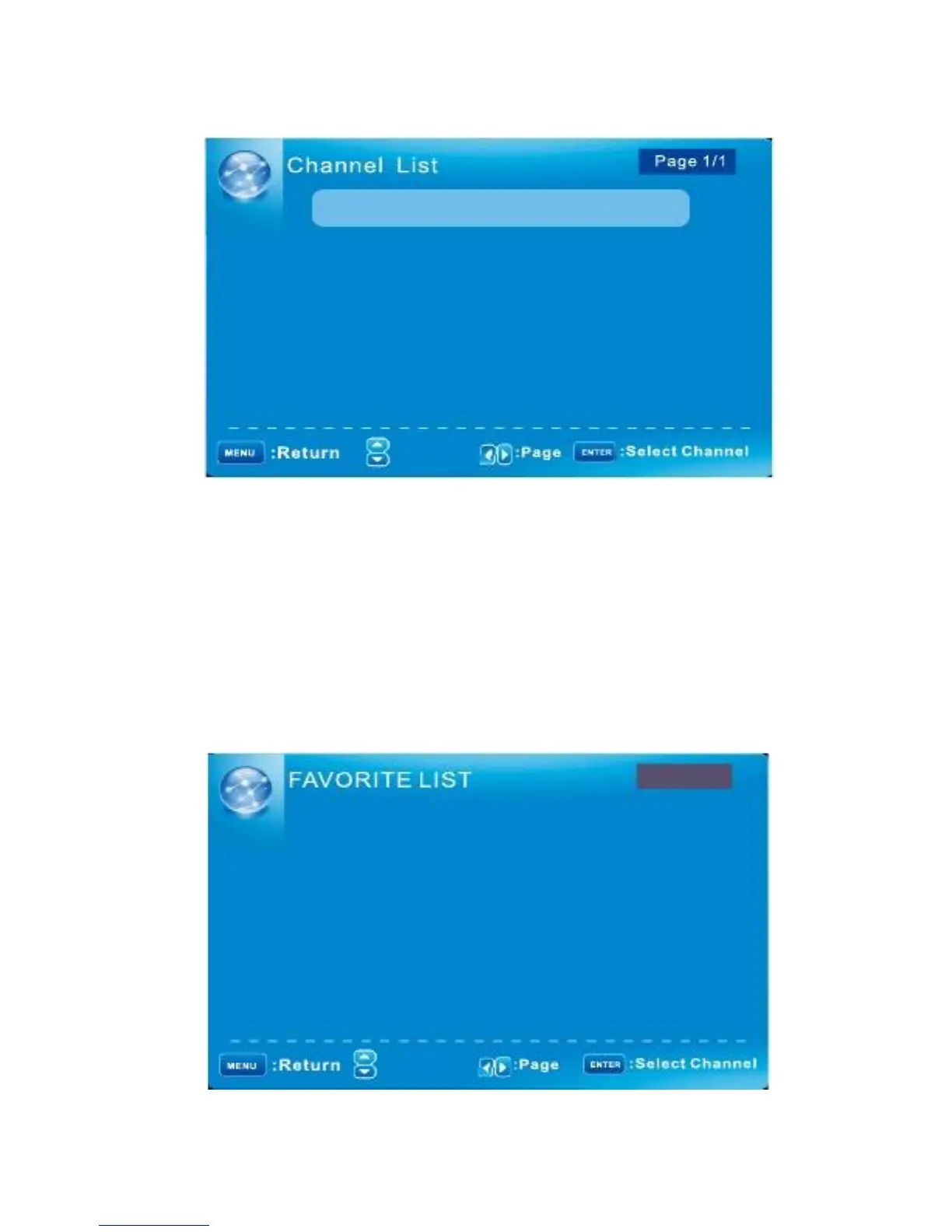
CHANNEL MENU/ Channel List
D10-1
ABC
A51
A52
A53
: Move
“ABC”: Label of the Channel.
Press
▼/▲
to highlight a channel and press ENTER to view it.
CHANNEL MENU/ FAVORITE LIST
The list shows channels that you set as favorite.
See "Channel Settings” on page 17 to understand how to set channels be favorite.
Page 1/1
D10-1
ABC
A51
A52
: Move
English -22



 To Next Page