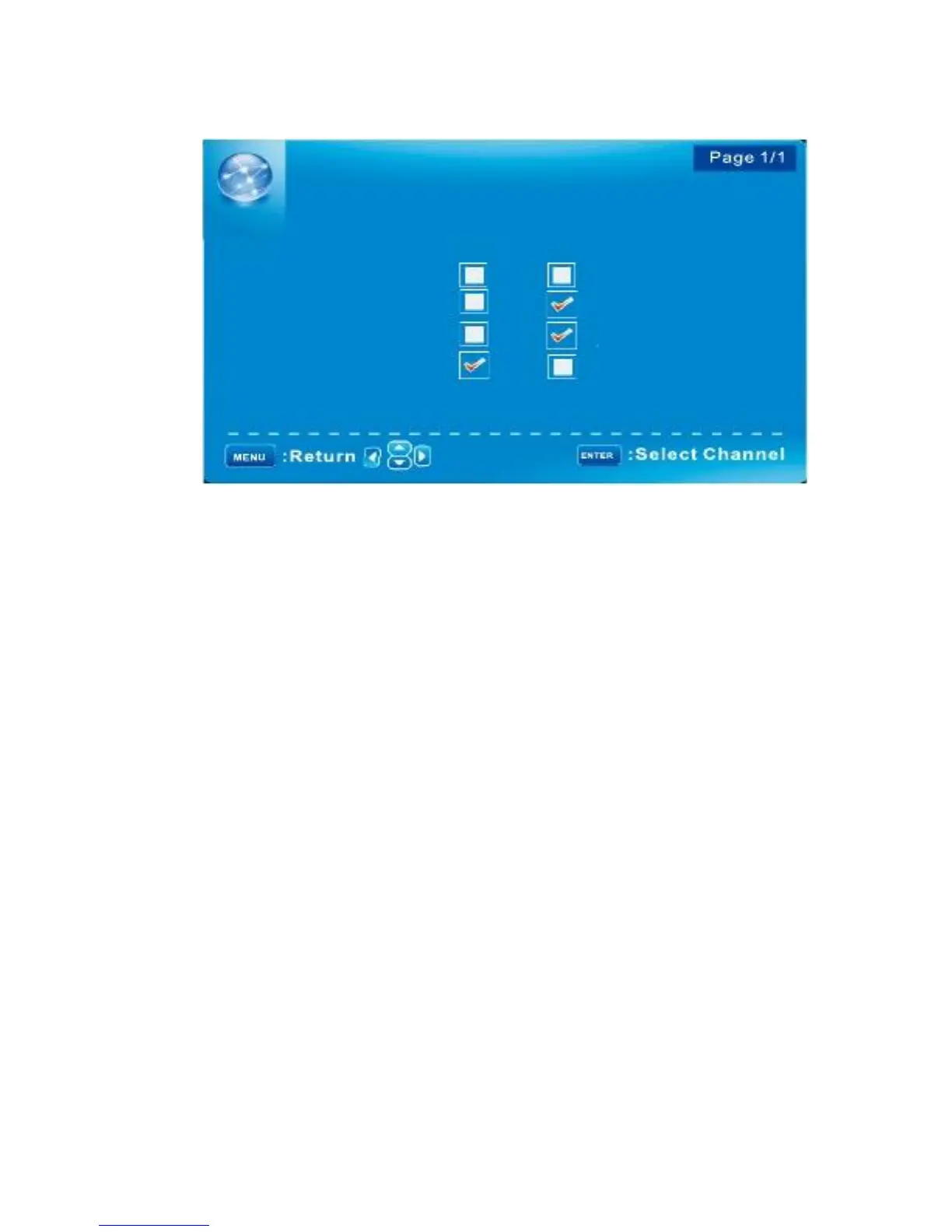
Channel MENU/Channel SETTINGS
CHANNEL SETTINGS
Channel
D10-1
Skip
Favorite
Label
ABC
A51
A52
A53
: Cursor/Page
Skip
Set the channel to be skipped when using CH+/Ch- to view channels.
Favorite
Set the channel to your favorite list.
Label
Rename label of the channel.
Change the settings
Skip & Favorite
1 Press
▼/▲
to select the channel you want to set.
2 Press
◄/►
to highlight corresponding item, and press ENTER to set or cancel.
Label
1 Press
▼/▲
to select the channel and ENTER to enter the edit state.
2 Press
▼/▲
to select the character, press
◄/►
to move the cursor. Total seven letters.
English -24



 To Next Page