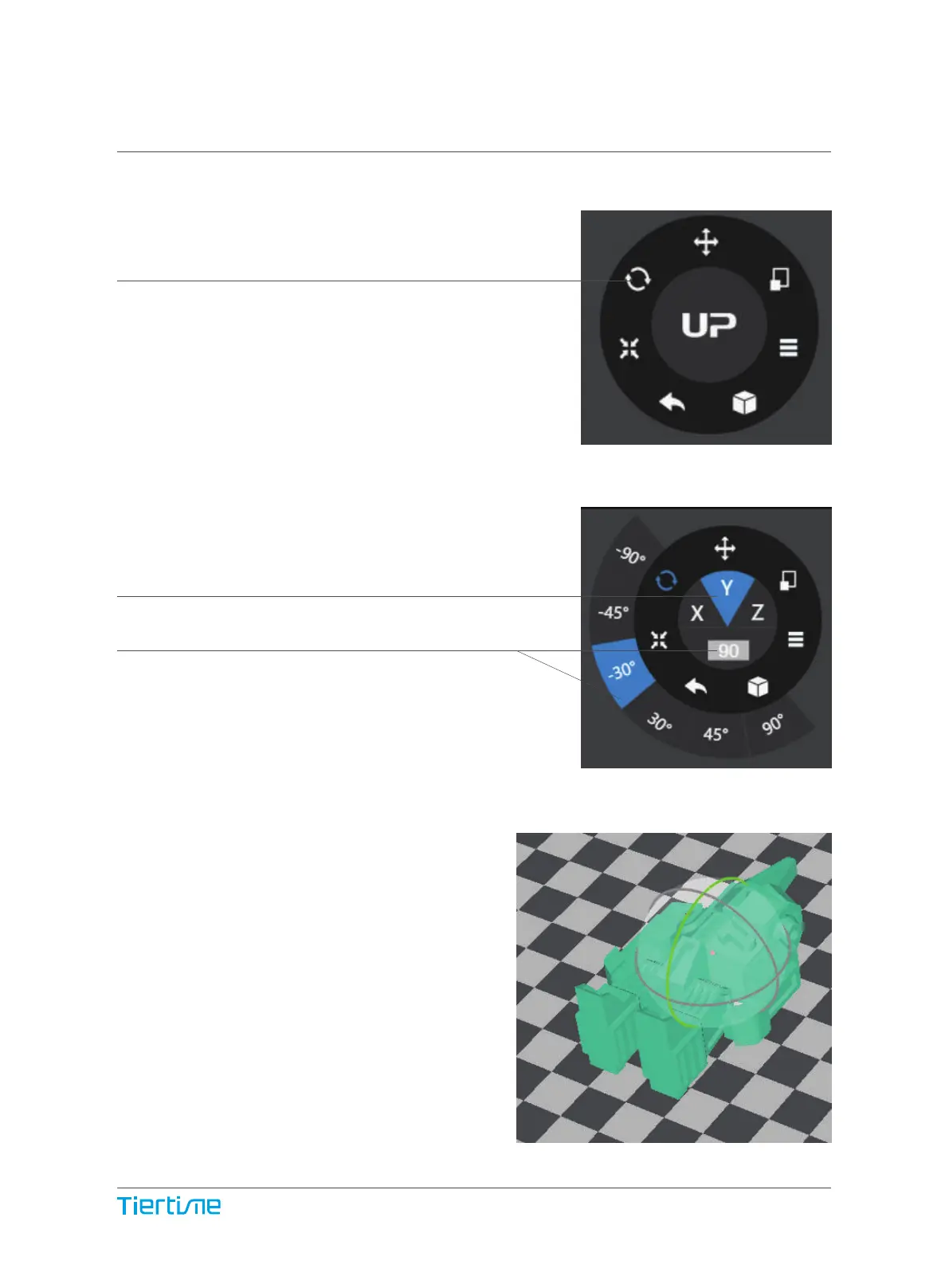
Choose the model and Click scale button.
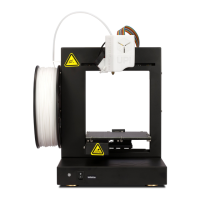
Choose rotation axis
User could input a specific value
or choose a preset value for rotation.
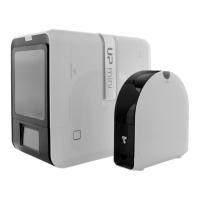
Alternatively, user could use the rotation
guide to rotate model in real time by holding
and dragging with mouse.
Rotating Models (UP Studio)
34


 To Next Page