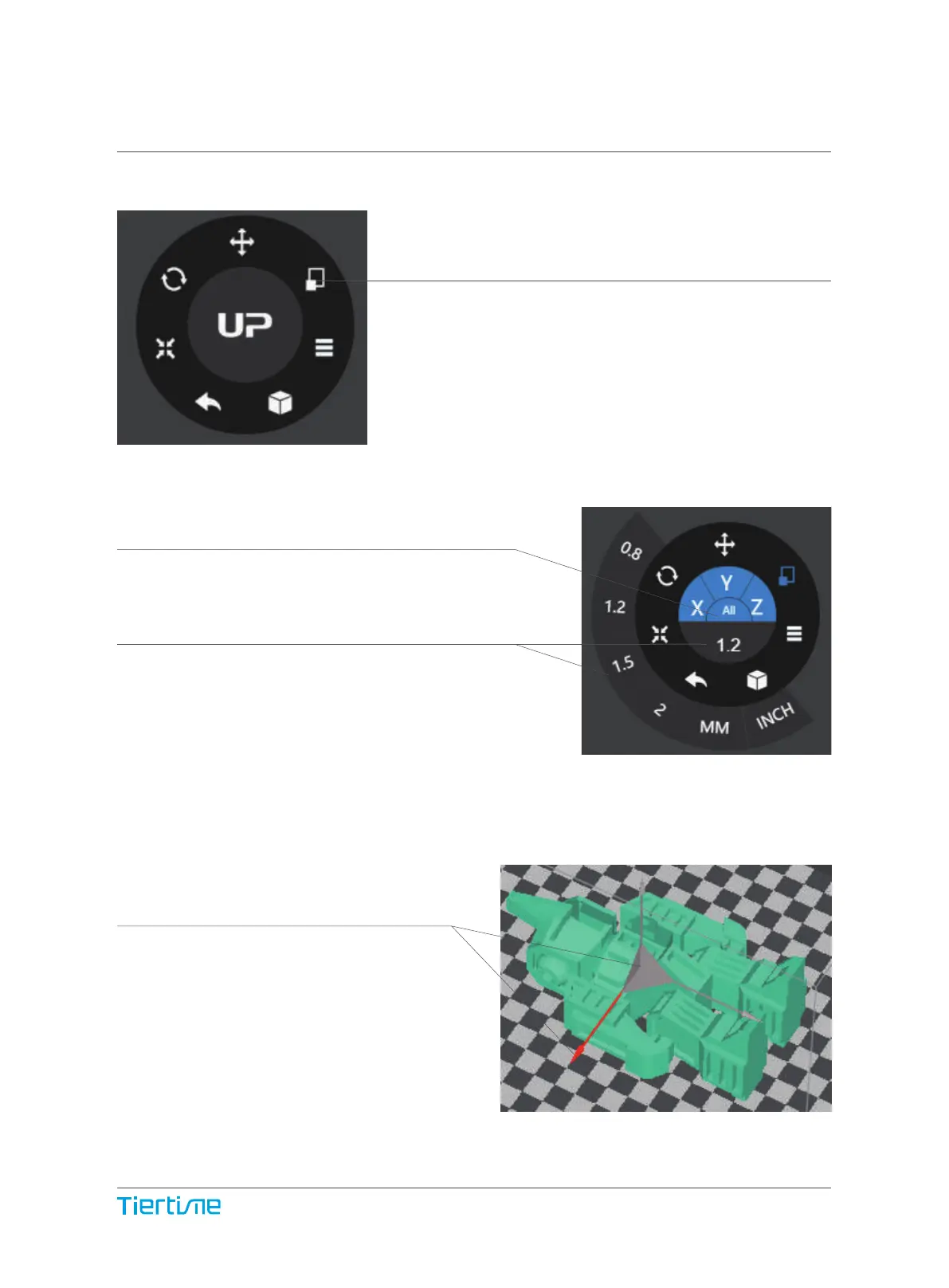
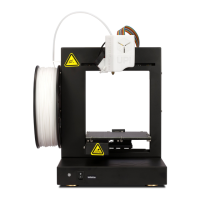
By default the scaling is in all axes.
User could also choose a specific axis for scaling.
User could input a specific scaling
factor or choose a preset value
Click MM or INCH to convert models to
sizes of corresponding units.
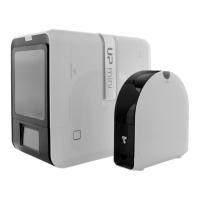
Alternatively, user could use the scaling guide
on the model. User could scale
in a specific axis or scale in all directions
by hold and drag with mouse.
Scaling Models (UP Studio)
Choose the model and Click rotate button.
35


 To Next Page