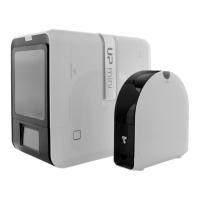
Alternatively, user could use
the translational guide on the
model to move on the X-Y
plane or a single direction by
hold and drag with mouse.
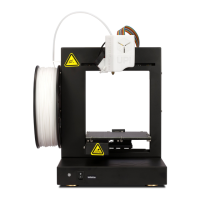
Choose the the direction of movement
User could input a specific value or
choose a preset value for distance
of movement.
Move Model (UP Studio)
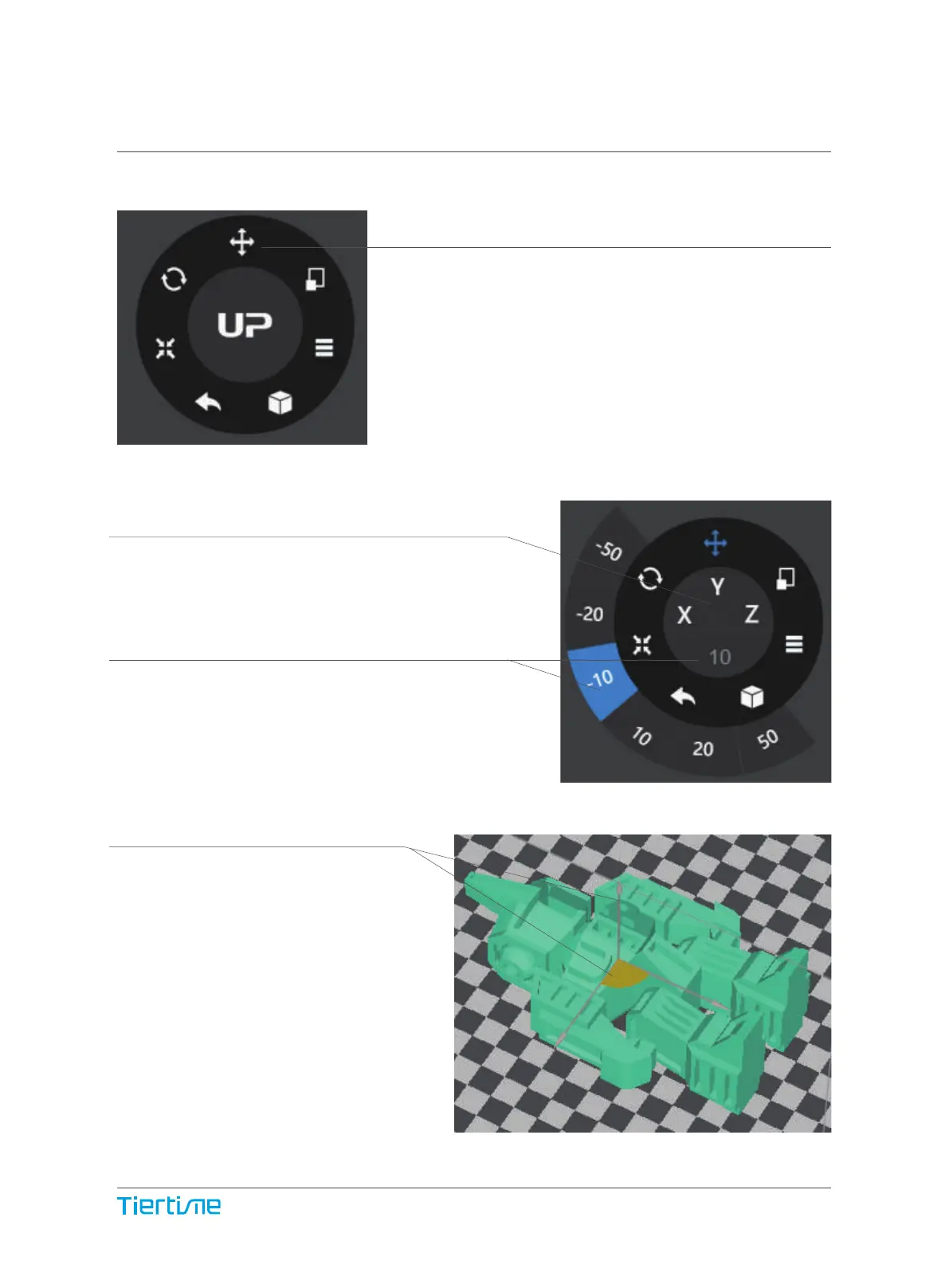
Choose the model and click the Move button.
36


 To Next Page