Table of contents
Chapter 01 Preparations
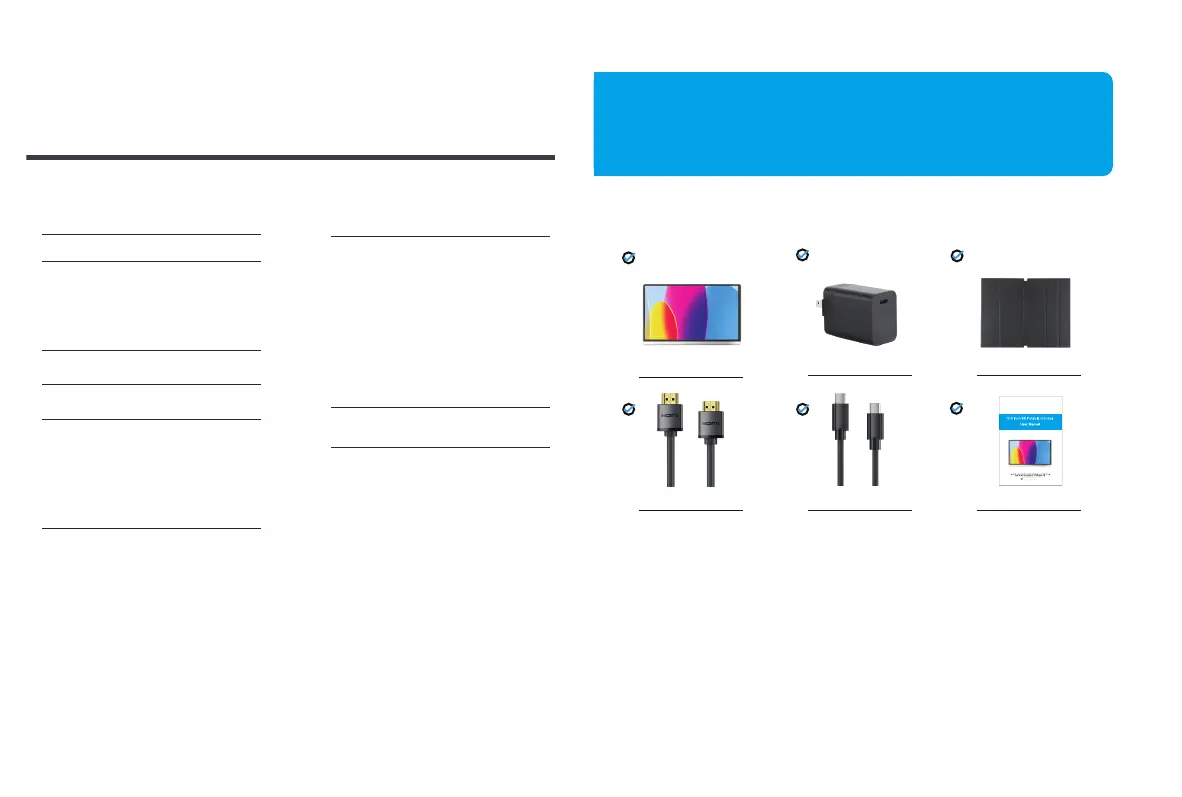
Checking the package contents
Monitor introduction
Product Appearance & Interface Function Introduction
Installing the stand case
Welcome!
TYPE-C signal transfer
Supported Devices & Models(Type-C )
HDMI signal transfer
Chapter 03 Connecting
Chapter 02 Specications
Chapter 04 Setting Up(Windows10)
1.Extend Mode /Duplicate Mode/Display Mode
1-1.Way1: Set on the device’Display Settings
1-2.Way2: Set via Windows key + Pkeyboard shortcut
2.Rotate the Screen
On-Screen Display Menu Introduction
BRIGHTNESS
IMAGE
COLOR TEMP.
OSD SETTING
RESET
MISC.
Chapter 05 Screen Adjustment
Chapter 06 Q&A
Chapter 07 Service Support
Chapter 01
Preparations
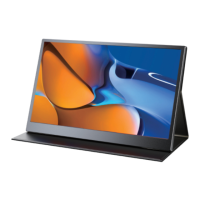
Portable Monitor
Power Adapter
Smart Cover
mini HDMI to HDMI Cable Type-c to Type-c Cable User Guide
Note:
•If any of the above items is damaged or missing, please
contact us immediately.
(help@uperfectmonitor.com)
•The appearance of the components may dier from the images shown.
Checking the Package Contents
PDS-344-M156C10-EV
Email: support@eviciv.com
Email: help@uperfectmonitor.com Email: help@uperfectmonitor.com


 To Next Page