Chapter 02
Specications
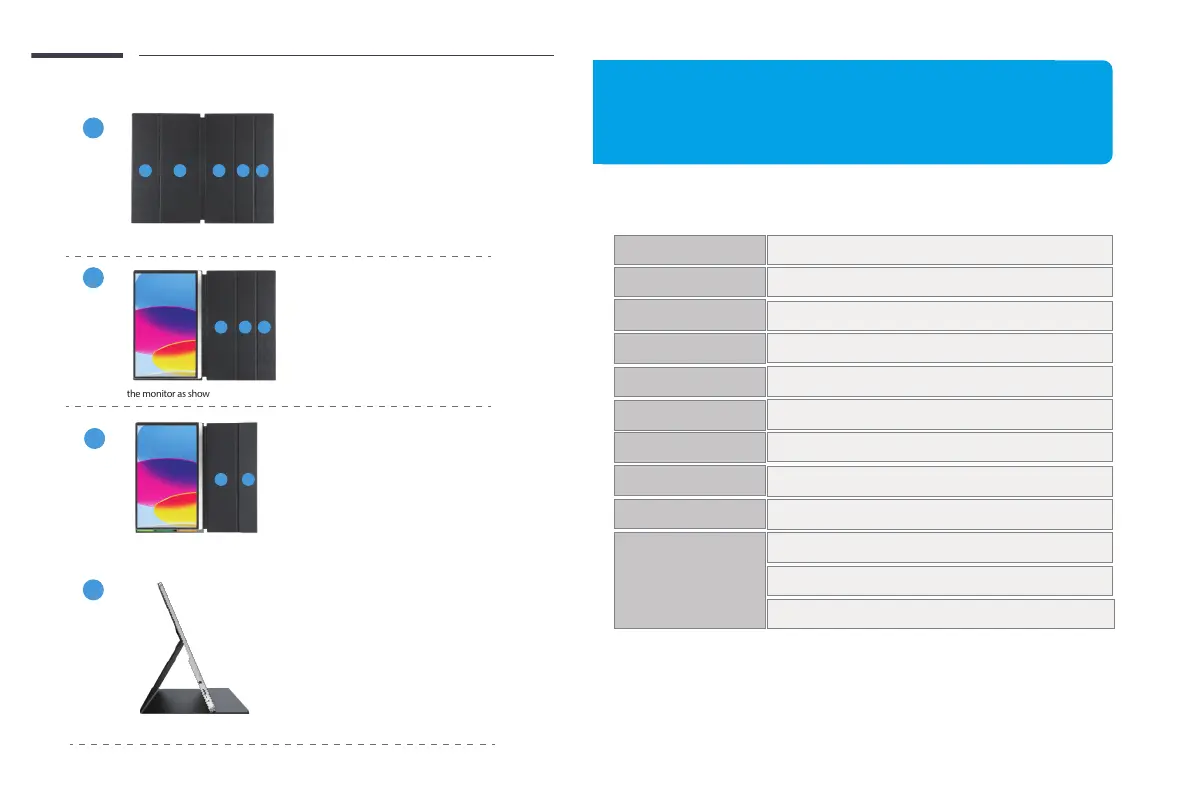
Step3: Fold the Leather cases part ”5” to part ”4” as shown.
C
4
5
4
5
Silver
M156C10
3840*2160
100% sRGB
16.7M(8Bit)
M4*4mm
Mini HDMI
Full-feature Type C 3.1 Port * 2(Both Signal and Power)
3.5mm Headphone Jack
Color
Model
Resolution
Display Color
Color Gamut
1000:1
Contrast
16 : 9
Ratio
340 cd/m²
Brightness
VESA
Interfaces
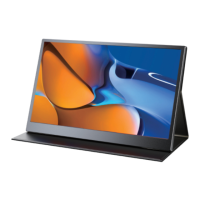
Installing the stand case
Step1: Place the holster as shown above,part “1” is magnetic.
A
Step2: Place the monitor as shown above,part “1” can be sticky.
B
D
Step4: Stand up the monitor and adjusttheangle
1 2
3
1 2
3
5
2
3
Email: help@uperfectmonitor.com Email: help@uperfectmonitor.com


 To Next Page