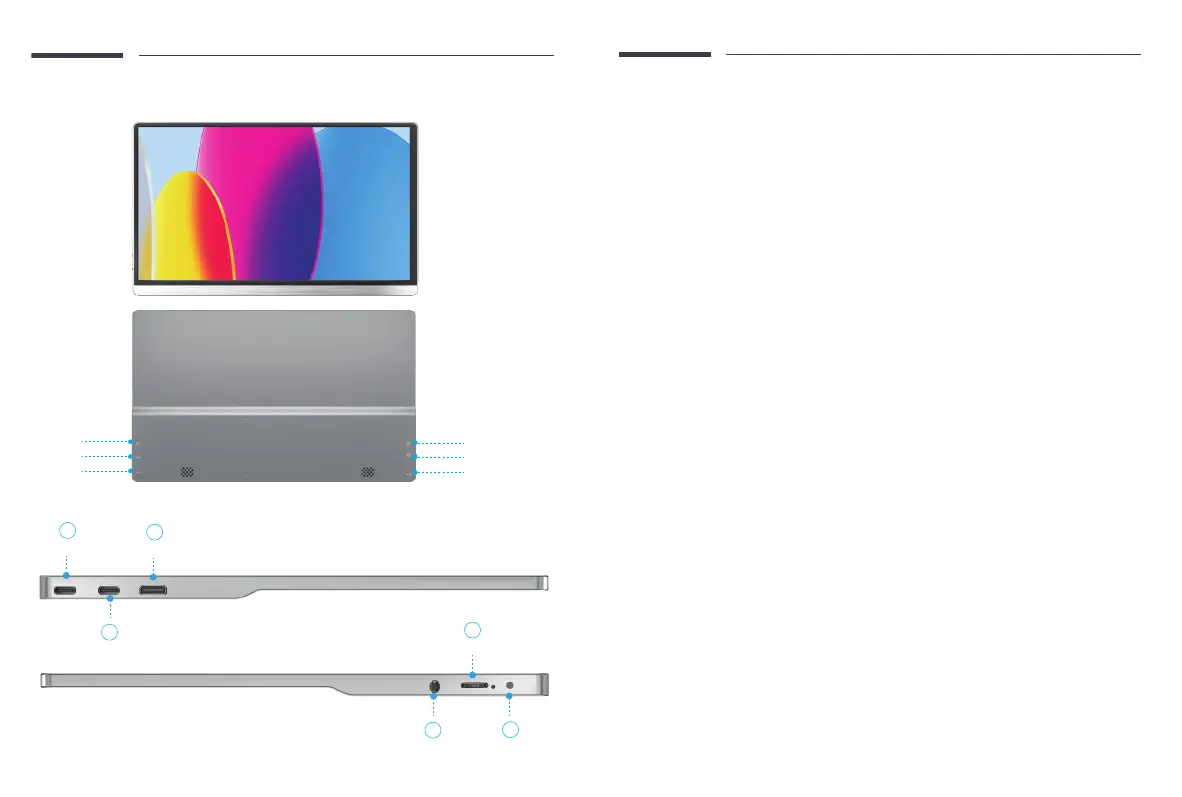
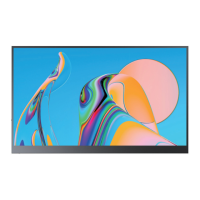
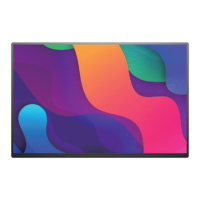
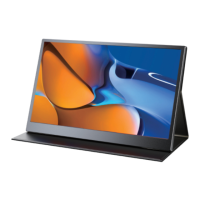
Type C Port
Type C Port
Mini HDMI Port
HP
Pulley / Menu / Enter Button
Power / Back Button
Monitor Introduction
A: Mini HDMI Port
Only for signal transmission
B/C: Type C Port
for both power supply and signal transmission
D: HP
Headphone Jack
E: Pulley / Menu / Enter Button
Press this button to enter OSD menu,
Scroll this button up and down to adjust
brightness or volume.
F: Power / Back Button
Long press the Power/ Back button for 3
seconds to turn on/o- the monitor.
Short press the Power/Back button to go
into Menu.
Short press the Power/Back button to
return to the homepage.
Product Appearance & Interface Function Introduction
Mini HDMI Port
A
C
Type C Port
Type C Port
E
Pulley / Menu / Enter Button
B
HP
D
Power/Back button
F
Email: help@uperfectmonitor.com Email: help@uperfectmonitor.com


 To Next Page