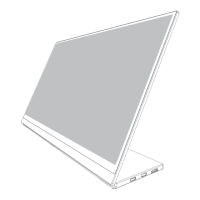
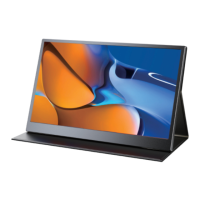
Monitor Introduction
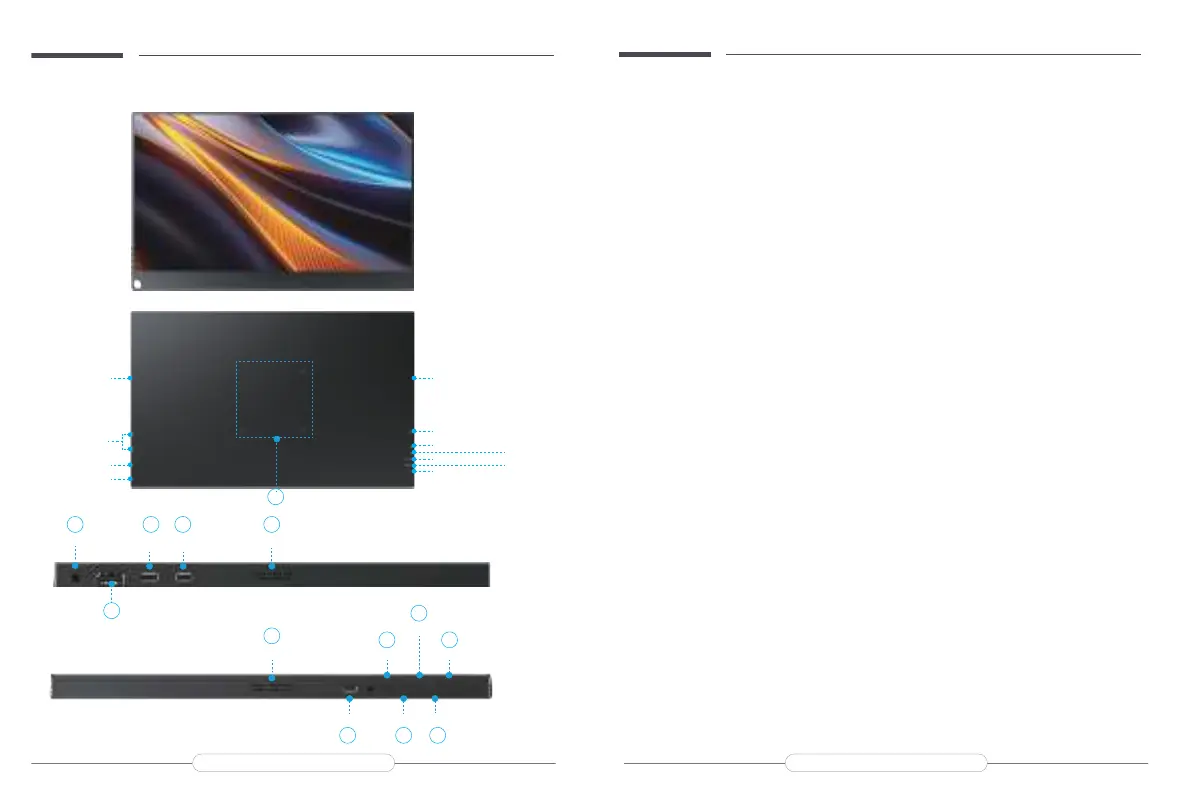
A&F: Speakers Built-in dual speakers 2*8Ω 1W.
B&C: Full Featured Type-C Ports.
D: Standard HDMI Port For signal transmission.
E: 3.5mm Audio Jack For headphones.
G: OTG Port can be connected to mouse or keyboard .
H: Power/Back Button
Long press to turn on/off the monitor.
Short press to go back to the previous step.
I: MENU Button Enter the OSD menu set language, brightness, etc./ enter the next step.
J: + Up and down function adjustment/quick adjust brightness.
K: - Up and down function adjustment/quick adjust volume.
L: EXIT Button Go back to the previous step.
M: 75*75mm VESA For VESA mounts. M4*4mm
Product Appearance & Interface Function Introduction
Email: support@uperfectmonitor.com Email:support@uperfectmonitor.com
Speaker
OTG Port
Power/Back
Menu Button
“-” Button
“+” Button
EXIT Button
Speaker
Type C Port
HDMI Port
Audio
Speaker
E B A
M
HDMI Port
Audio
EXIT ButtonPower/Back Button
“+” Button
OTG Port
“-” ButtonMENU
F
H
G I K
L
J
Speaker
D
Type C Port
C
Type C Port
M4*4mm



 To Next Page