Chapter 02
Specifications
M160J02
IPS
16 inches
16:10/16:9
500 cd/m²
M4*4mm
HDMI Port
Type-C Port * 2
3.5 mm Headphone Jack
8Ω 1W * 2
Model
Panel Type
Screen Size
Brightness
Aspect Ratio
120 Hz
Refresh Rate
1200:1
Contrast Ratio
2560*1600
Resolution
VESA
Built-in Speakers
Interfaces
72% NTSC, 100% sRGB
Color Gamut
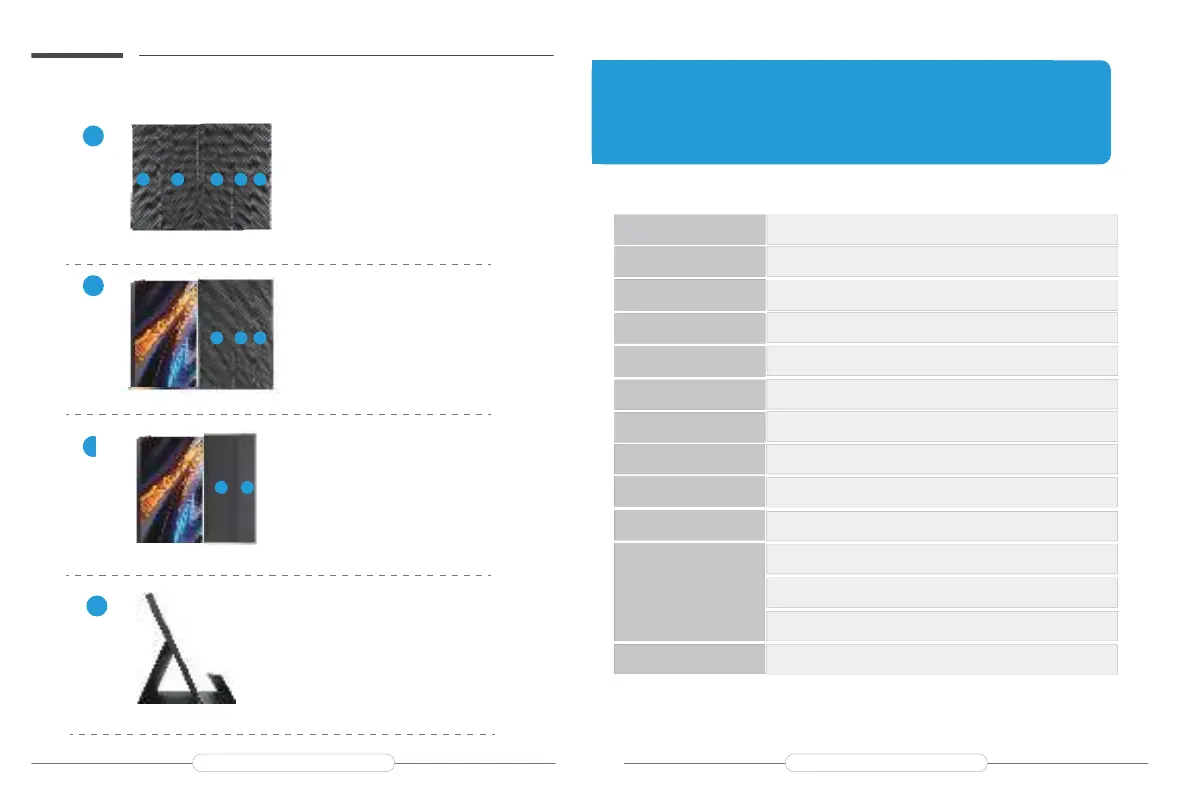
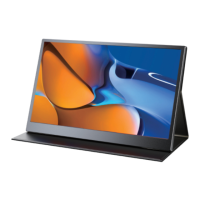
Installing the stand case
Step1: Place the holster as shown above,part “1” is magnetic.
A
Step2: Place the monitor as shown above,part “1” can be sticky.
B
Step3: Fold the Leather cases part ”5” to part ”4” as shown.
C
Step4: Stand up the monitor and adjusttheangle
D
1 2
3
4
5
543
3 5
3
4
Email: support@uperfectmonitor.com Email:support@uperfectmonitor.com



 To Next Page