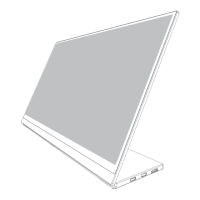
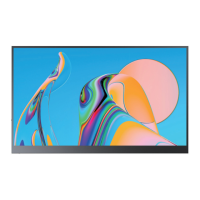
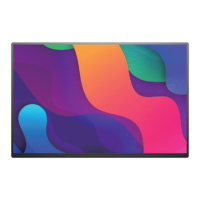
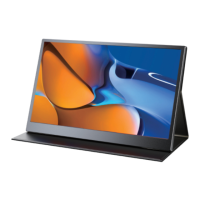
Rotate the Screen
Pulley Button - Setting Parameters
After turning on the power, press the pulley button to enter the menu setting, image
adjustment, brightness, color setting, OSD setting, reset, etc. at your own convenience
For example:
Backlight (brightness) setting
① Press the menu button to start installing the monitor.
② Scroll the menu button up and down to move to the image installation.
③ Press the menu button again to enter the image settings.
④ Scroll the menu button up and down to move to the backlight.
⑤ Press the menu button again to enter the backlight setting.
⑥ You can adjust the brightness by scrolling the menu button up and down.
You can set up other installations in the same way.
How to adjust brightness/sound
with shortcut keys?
-Quickly adjust the volume: Press the volume "-"
button to decrease the volume, and then press
the volume "+" to increase the volume.
-Quickly adjust the brightness: Press the volume
"+" to increase the brightness, and then press the
volume "-" to decrease the brightness.
1: Verify that your cables are connected properly to the new monitors.
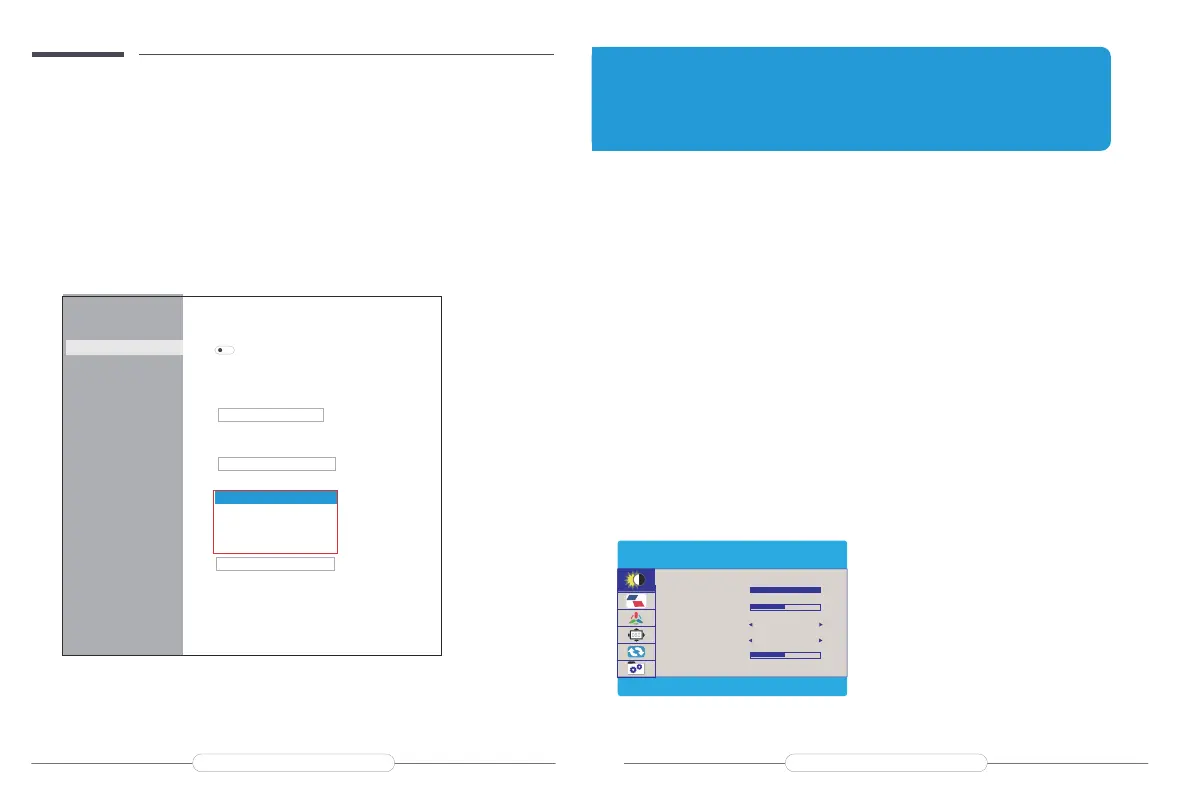
2: Right-click anywhere on your desktop and select Display settings to open the Display page.
3: Under the "Select and rearrange displays" section, select the monitor that you want to adjust.
4: Under the "Scale and layout" section, use the Orientation drop-down menu to select
Landscape or Portrait screen.
On-Screen Display Menu Introduction
Settings
Home
Find a setting
System
Display
Sound
Notifications & actions
Focus assist
Power & sleep
Storage
Tablet mode
Multitasking
Projecting to this PC
Shared experiences
Clipboard
Remote Desktop
Display
HDR and WCG
Off
HDR and WCG settings
Scale and layout
Change the size of text,apps,and other items
125%
Andvanced scaling settings
Resolution
2560*1600(Recommended)
Orientation
Landscape
Portrait
Landscape(flipped)
Portrait(flipped)
Extend desktop to this display
Make this my main display
Andvanced display settings
Graphics settings
Chapter 05
Screen Adjustment
BRIGHTNESS
ECO
DCR
SHARPNESS
10
50
2
OFF
BRIGHTNESS
BRIGHTNESS
CONTRAST
STANDARD
Email: support@uperfectmonitor.com Email:support@uperfectmonitor.com



 To Next Page