57 “Translation of the original instruction”
3-3
5.2.5 Method to Replace the
Platform Pad
Platform Pad
1.Remove the platform. Please refer to the method of
removing the platform.
2.Remove the platform slider and remove the pad.
3.Install the platform pad.
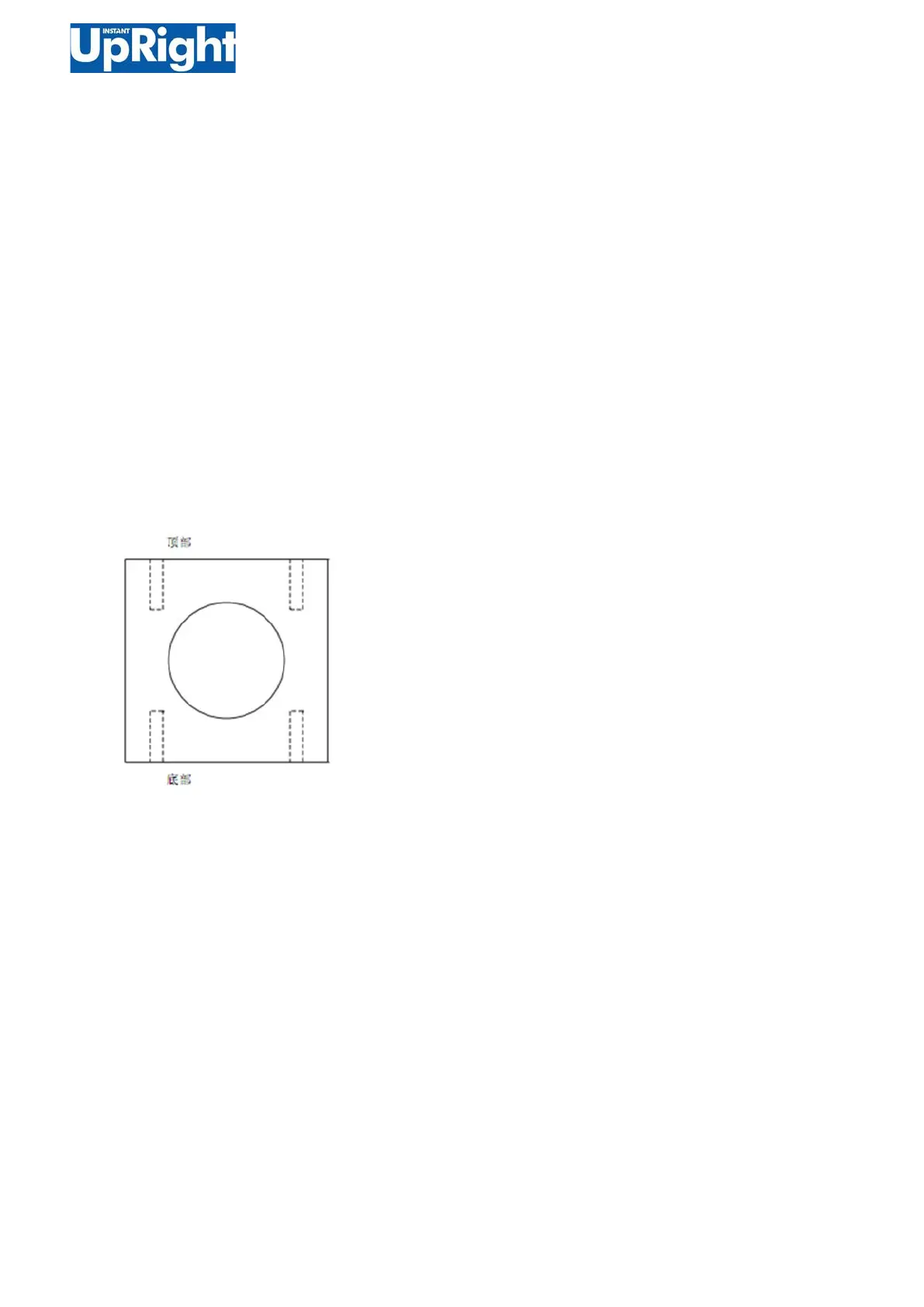
Note: When installing the platform, you must drill holes
at the bottom and top of the platform pad.
4.Install the platform.


 To Next Page