Note: This product is intended to be supplied by a Listed Direct Plug-in Power Unit marked
Class 2 and rated 15VDC, 1200 mA.
4. Power up your computer.
5. Assign a static IP address within the 192.168.1.x range (example: 192.168.1.100) to your
computer. For information on assigning a static IP address to your computer, see the documentation
for your operating system.
6. Start your Web browser.
7. In the location or address line, type
http://192.168.1.64 and press ENTER.
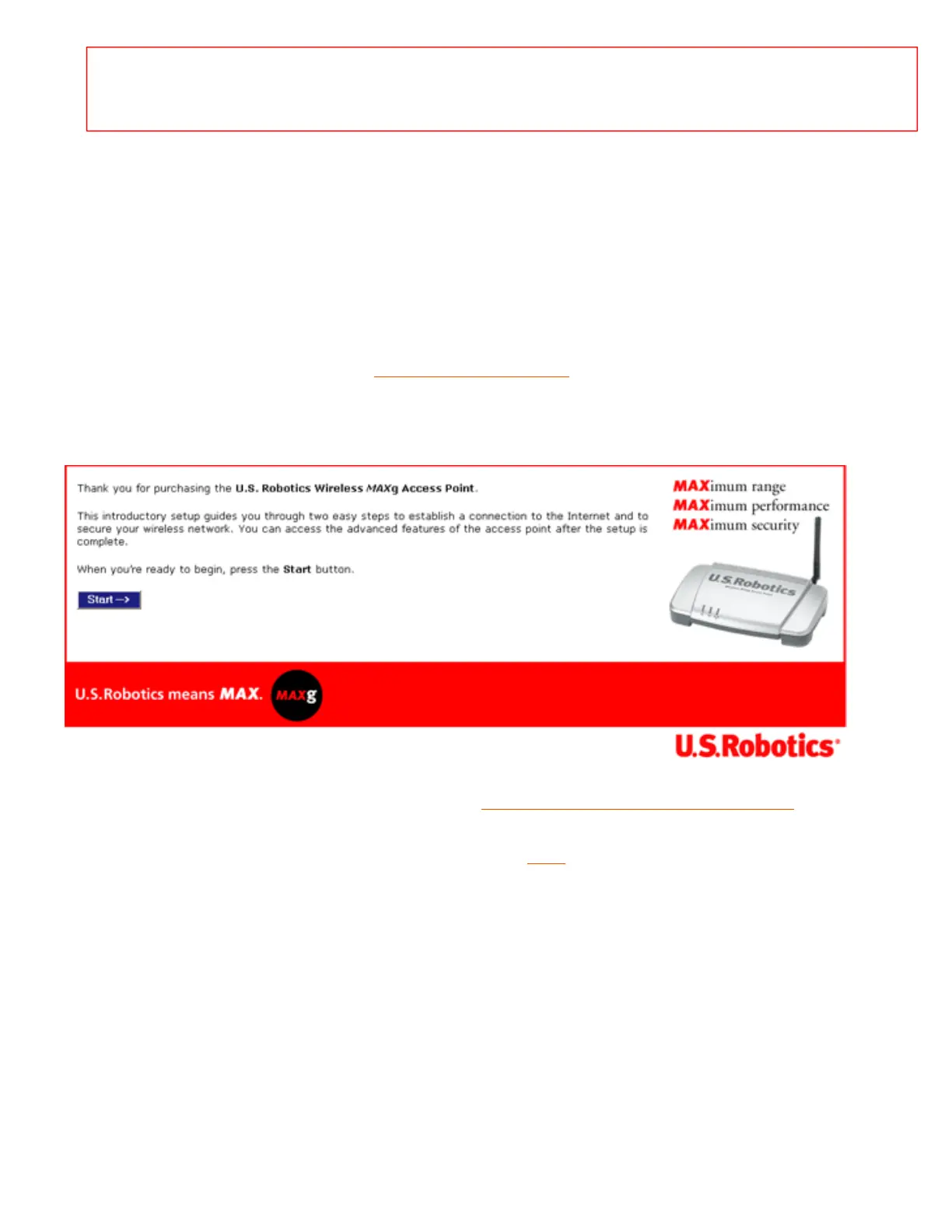
8. The wizard displays its welcome page:
9. Continue the installation procedure starting with Step Three: Configure Basic Settings.
10. After you have configured the basic settings, click the
LAN tab on the configuration pages.
11. Select Static and enter the IP address for the access point, then enter the Gateway, DNS server,
and Subnet mask of the networking device.



 To Next Page