EasyManua.ls Logo

US Robotics MAXg - Page 68

US Robotics MAXg
100 pages
Print Icon
To Next Page IconTo Next Page
To Previous Page IconTo Previous Page
Loading...
Wireless MAXg Access Point User Guide
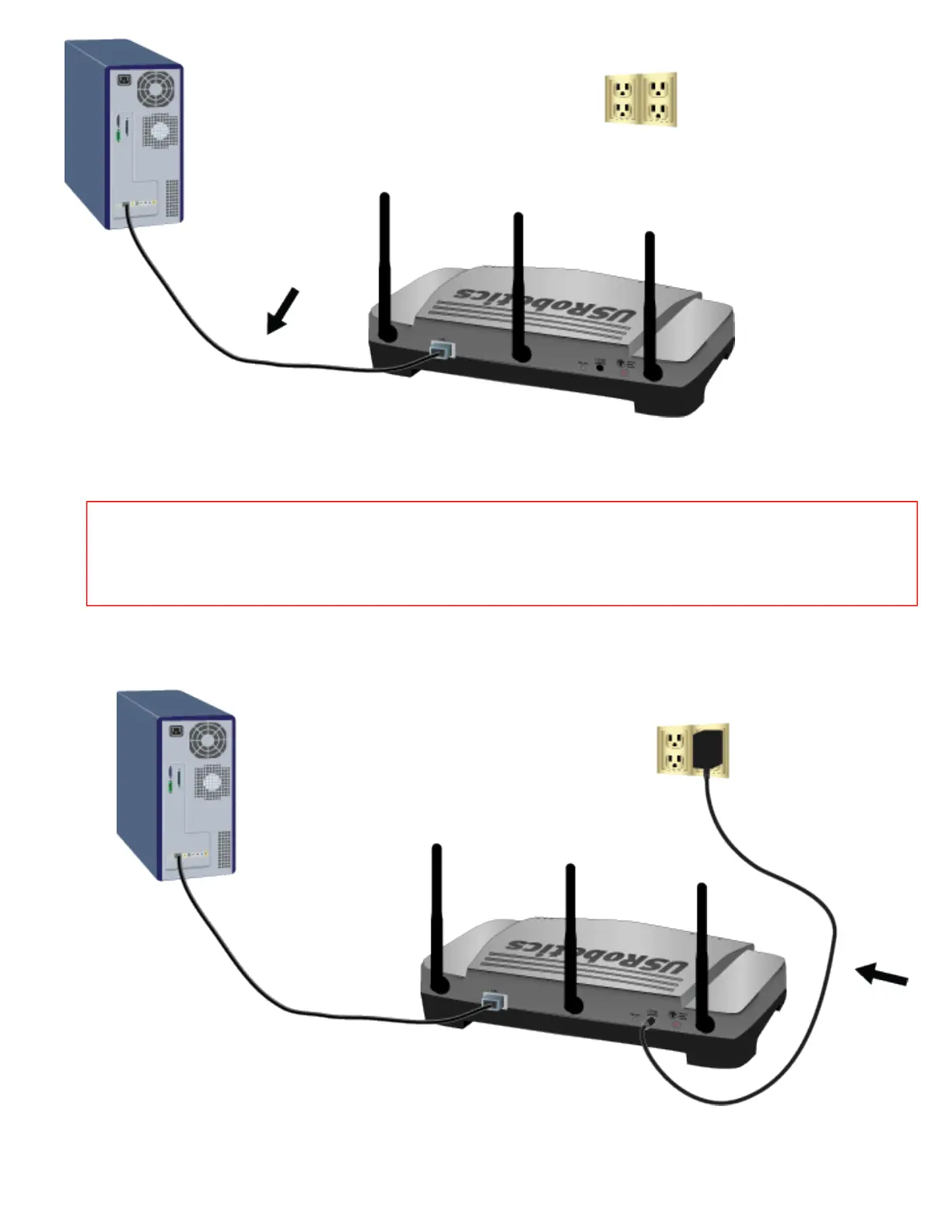
3. Supply power to the access point as follows:
Note to UK Users: With the power adapter unplugged, connect the appropriate power
plug for your country on to the power adapter. Apply enough pressure to cause a click and
firmly seat the plug.
A. Connect the supplied power adapter to the 15VDC port on the access point.
B. Plug the power adapter into a standard power outlet.

5:15:55 PMfile:///G|/CSO/T-Writer%20Repository/Networking/5455%...20CR%20AP/Regulatory%20Preview/trouble_static_ip.html (2 of 5)4/24/2007

Other manuals for US Robotics MAXg

Related product manuals