EasyManua.ls Logo

US Robotics MAXg - Page 71

US Robotics MAXg
100 pages
Print Icon
To Next Page IconTo Next Page
To Previous Page IconTo Previous Page
Loading...
Wireless MAXg Access Point User Guide
and Subnet mask of the new networking device.
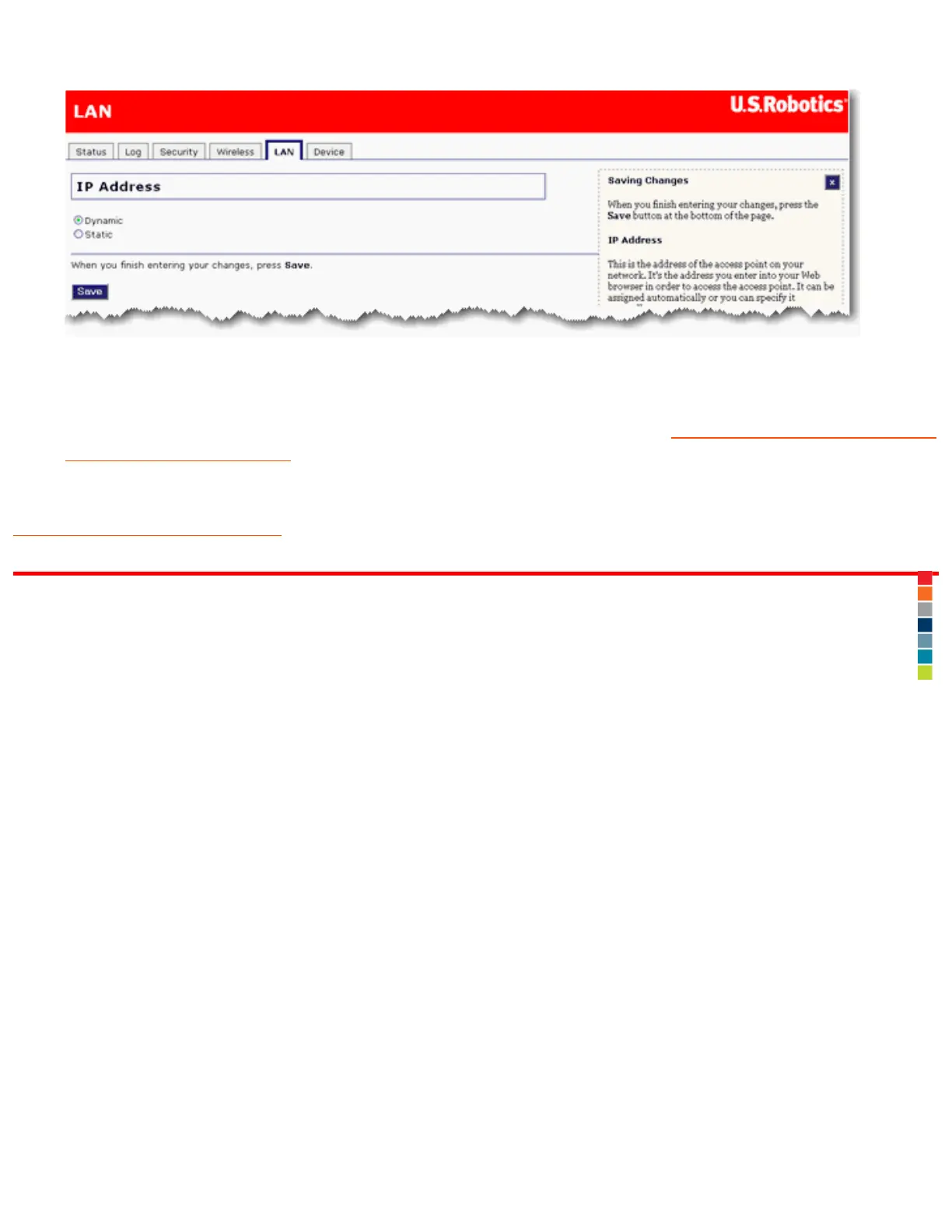
6. Click Save at the bottom of the page.
7. You can disconnect the Ethernet cable from the networking device and
reconnect your access point to
another networking device. You do not need to perform the configuration steps of the installation
procedure.
Return to Troubleshooting page
© 2007 U.S. Robotics Corporation

5:15:55 PMfile:///G|/CSO/T-Writer%20Repository/Networking/5455%...20CR%20AP/Regulatory%20Preview/trouble_static_ip.html (5 of 5)4/24/2007

Other manuals for US Robotics MAXg

Related product manuals