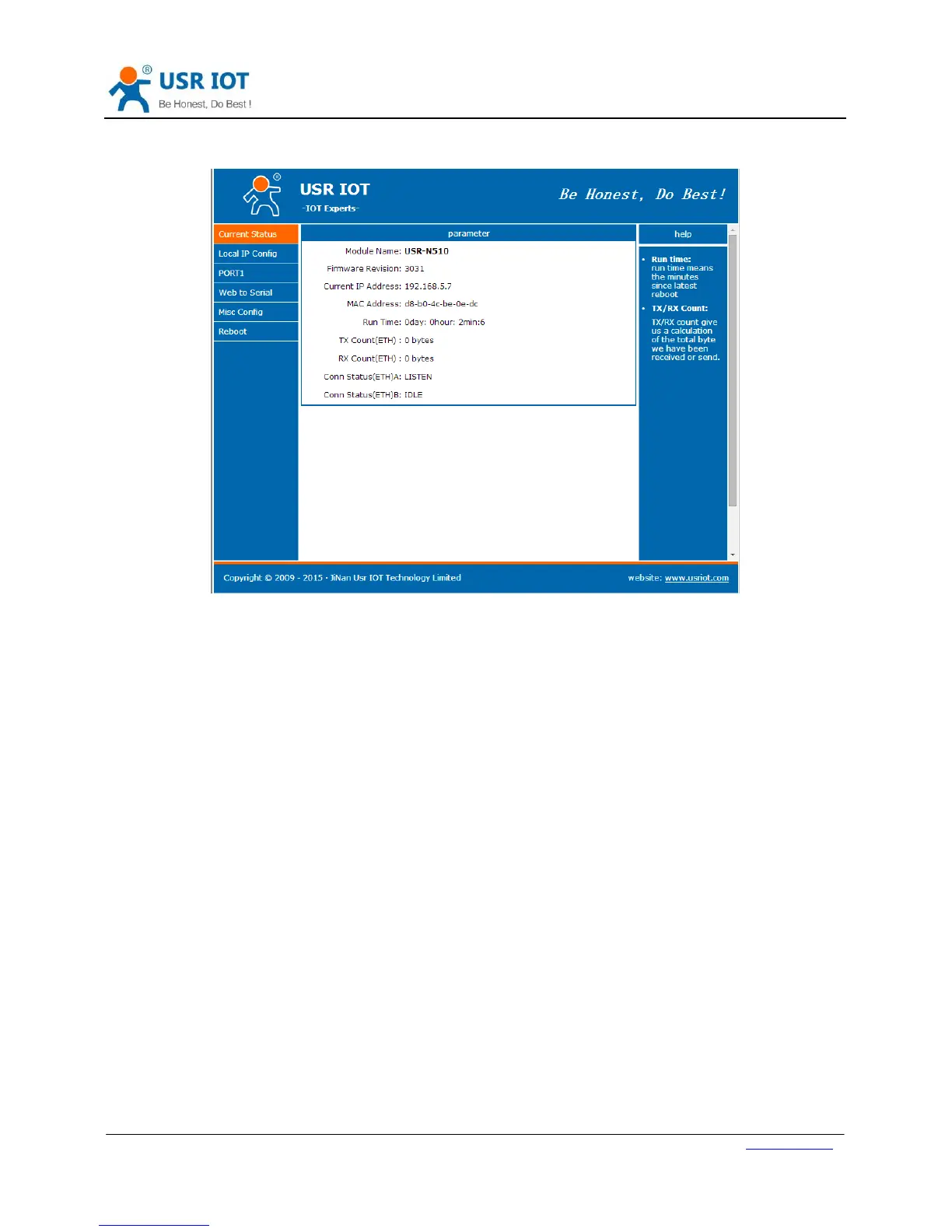
After firstly connecting PC to N510, user can open browser and enter default IP 192.168.0.7 into address bar, then
log in user name and password, user will enter into web server. Web server screenshot as follow:
Figure 28 Web Server
3.3. AT Command
We have specific user manual for AT commands.
3.3.1. Serial AT Command
In transparent mode, user can enter AT command mode, then user can send AT command to module. For entering
AT command mode, please refer to this FAQ: http://www.usriot.com/enter-serial-command-mode/.
3.3.2. Network AT Command
Network AT command is to send a search keyword by broadcast, then set the parameters in a single broadcast
way. Default keyword is WWW.USR.CN and default port number is 48899. User can enter Network AT command
as follow:


 To Next Page