USR-TCP232-302 User Manual h.usriot.com
Jinan USR IOT Technology Limited www.usriot.com
FF 01 06 50 If password is wrong 50 ='P'
Return result of cloud parameter setting :
If correct, it return FF 01 06 4B If password is correct 4B = 'K'
FF 01 06 50 If password is wrong 50 ='P'
Return result of heartbeat registration parameter setting :
If correct, it return FF 01 06 4B If password is correct 4B = 'K'
FF 01 06 50 If password is wrong 50 ='P'
Other return result:
If check sum is wrong , it return ”E” + right check sum.
Right operation: FF 01 CMD ’K ‘
If user name and password is wrong , it return FF 01 CMD ’P’
Other is wrong ,it returns FF 01 CMD’E’
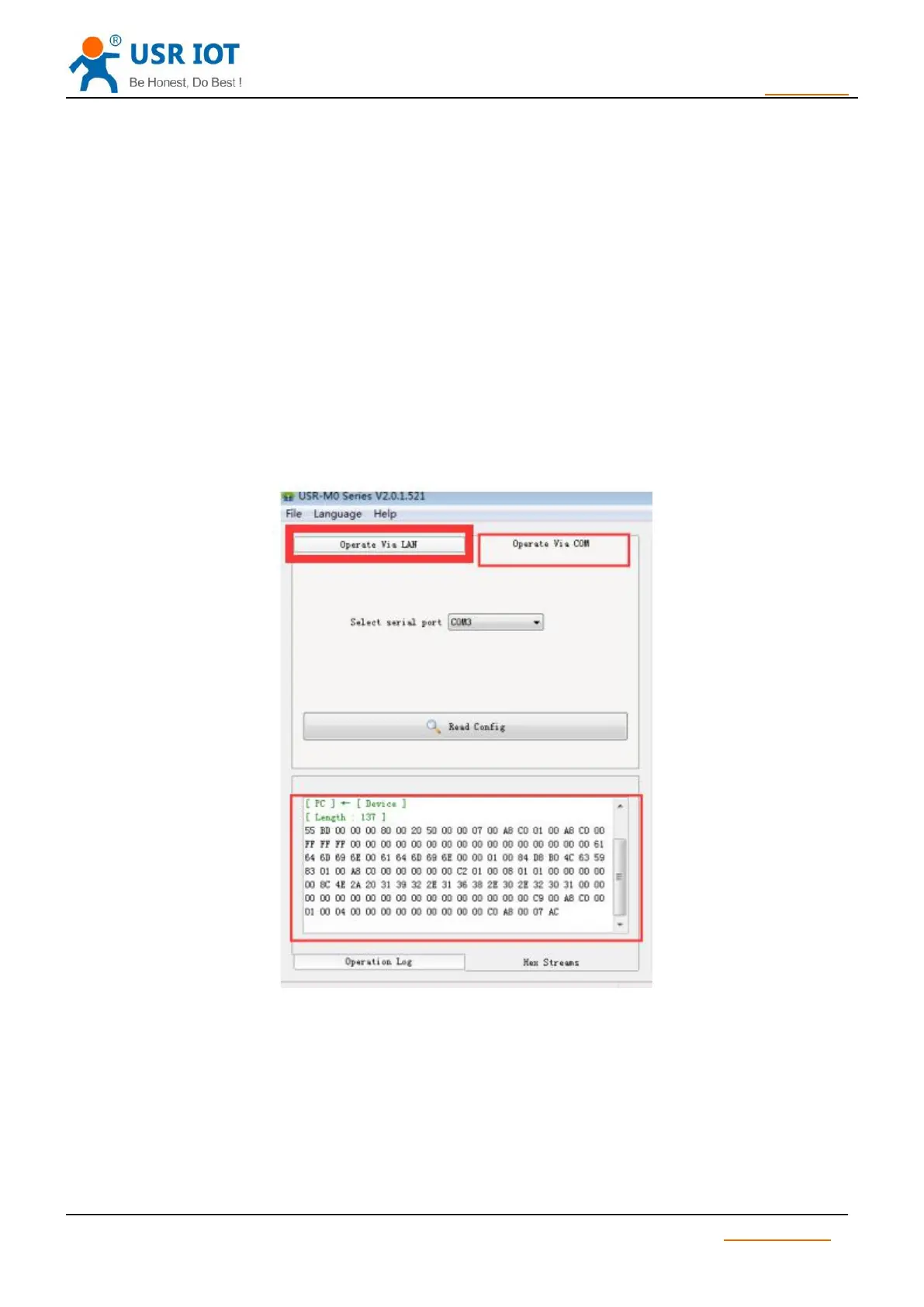
If user want to monitor message, please do as follows with USR-M0 software.
3.7.4. Serial port setting protocol
In order to enter serial port setting mode, user must set command according to
Protocol .TCP232-302 setting commands are as follows. User can also use set up
Software , there is no limit for baud rate of sending data, 9600 and 115200 is high recommend.
Package head is as follows:
55 BD read M0 series parameter configuration.



 To Next Page