Multifunctional serial to Ethernet module user manual www.tcp232.net
Jinan USR IOT Technology Co., Ltd freda@usr.so
Page 30 /
/
/
/ 9
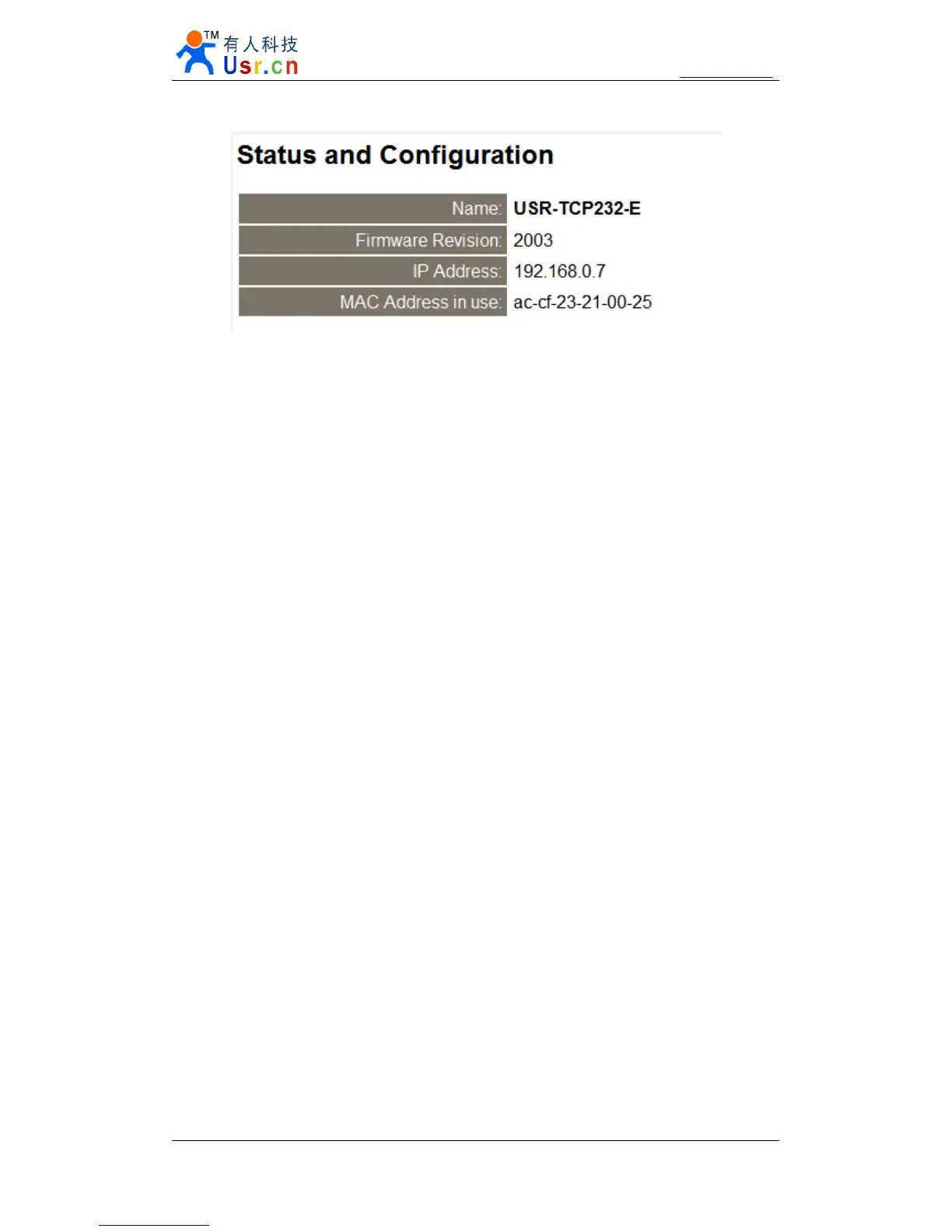
Diagram 6 - 4 web page of USR-TCP232-E
6.3.
6.3.
6.3.
6.3. Default
Default
Default
Default working
working
working
working mode
mode
mode
mode test
test
test
test
To test briefly in default working mode, on the foundation of the hardware connection, use
the matched software USR-TCP232-Test in CD to make transmit t ing and receiving test. The left
side is serial port, use software default settings, the right side is the network part, set to TCP Client
and server to be IP 192.168.0.7, port 23.
By default, the two COM port to be set as TCP Server mode, port is 23/26.
This illustration shows the 10 ms two-way simultaneous automatically transmit screenshots.
As the allocated memory of the display control is limited, in order to test large amount of data
transceiver, here will suspend the receive display, only statistical data. Below is the effect after
testing for
a
few hours, and transmit t ing millions of bytes. Stable and reliable, without
a
byte loss.


 To Next Page