5
5-19
Sending Functions
Job Finish Notice
This feature sends an e-mail providing notification that transmission has been completed.
Use the procedure below to specify the Job Finish Notice settings.
1 Press the Send key.
2 Place the original.
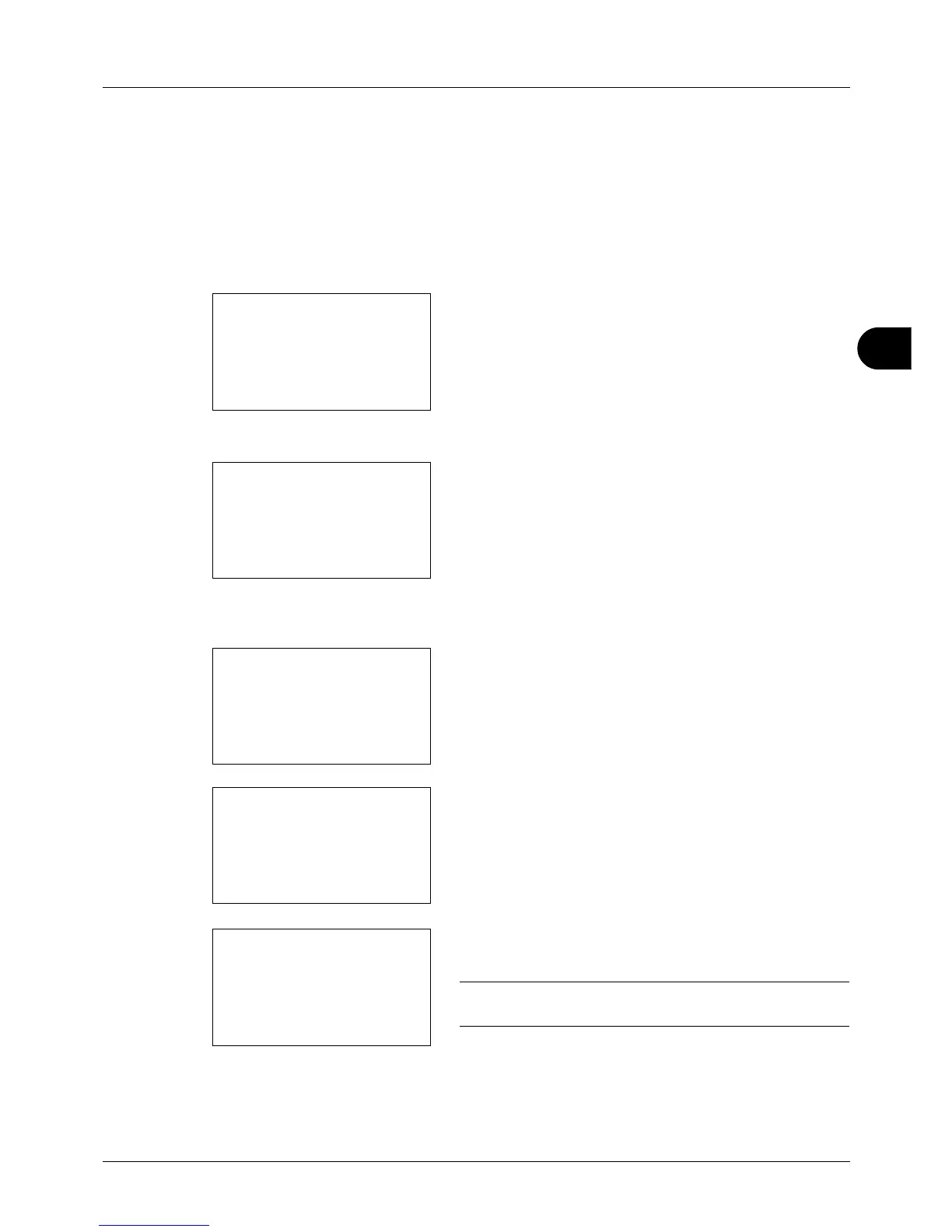
3 Press the Function Menu key. Function Menu appears.
4 Press the or key to select [JobFinish Notice].
5 Press the OK key. JobFinish Notice appears.
6 Press the or key to select [On] and then press the
OK key.
7 Press the or key to select [Address Book] or
[Address Entry], and then press the OK key.
8 If you select [Address Book], select [Address Book] on
the next screen and press the OK key, and then select
the notice destination.
Press [Menu] (the Right Select key), select [Detail] on
the next screen and press the OK key to view the details
of the selected notice destination.
If you select [Address Entry], enter the address of the
notice destination.
NOTE: Refer to Character Entry Method on Appendix-5 for
details on entering characters.
9 Press the OK key.
Completed. is displayed and the screen returns to the
basic screen for sending.


 To Next Page
 Loading...







