Troubleshooting
8-32
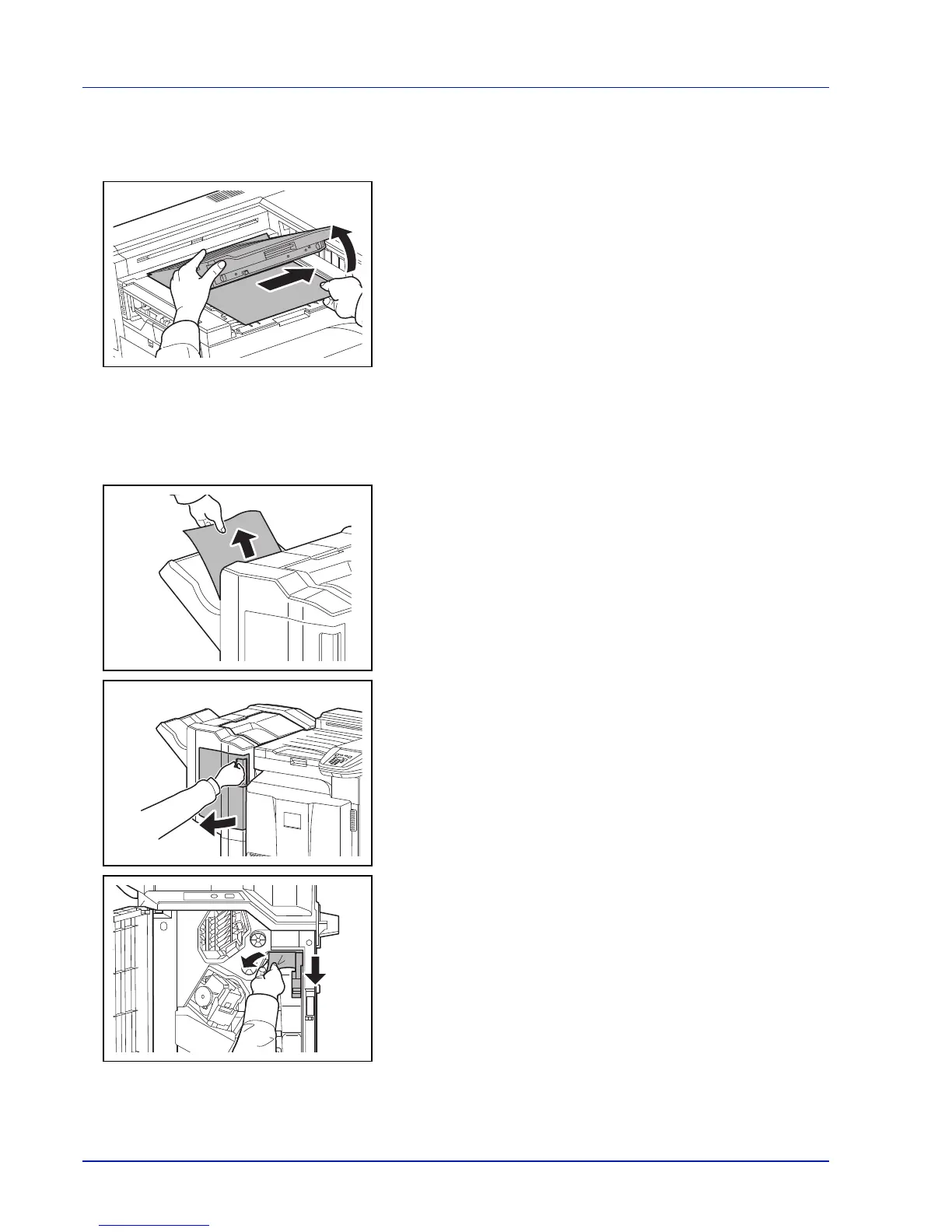
Bridge Unit (Option)
If a paper jam occurs in the optional bridge unit, follow the steps below to remove the jam.
1 Open the relay unit cover and remove the jammed paper.
1,000-sheet Finisher (Option)
If a paper jam occurs in the optional 1,000-sheet finisher, follow the steps below to remove the jam.
1 If jammed paper is seen through the paper ejection slot, pull it toward
your side to remove it.
2 Open the front cover.
3 Open feed guide D1 and remove the jammed paper.



 To Next Page