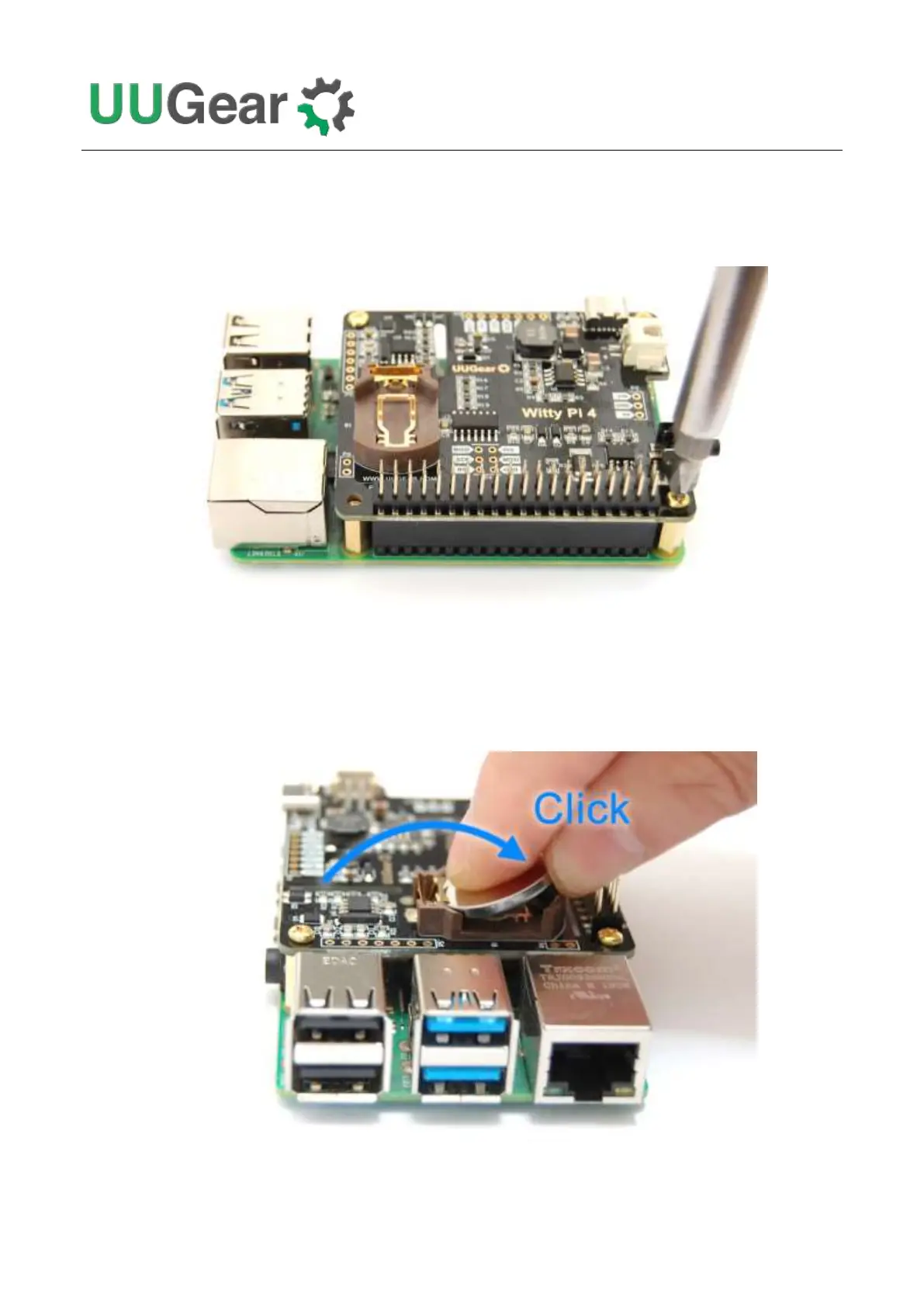
Then you can mount Witty 4’s stacking header on Raspberry Pi’s 2x20 pin male header, and then
tighten the screws.
You can put the CR2032 button battery into the battery holder. With that battery, Witty Pi can
remember the time even after you fully cut its power. The RTC only draws about 4uA current from the
battery to keep the time, and the battery can last for years. If your Witty Pi is always powered, you
may omit this battery and Witty Pi's functionalities will not get affected.
After mounting Witty Pi 4 on your Raspberry Pi, you can connect power supply to Witty Pi 4 (via the



 To Next Page