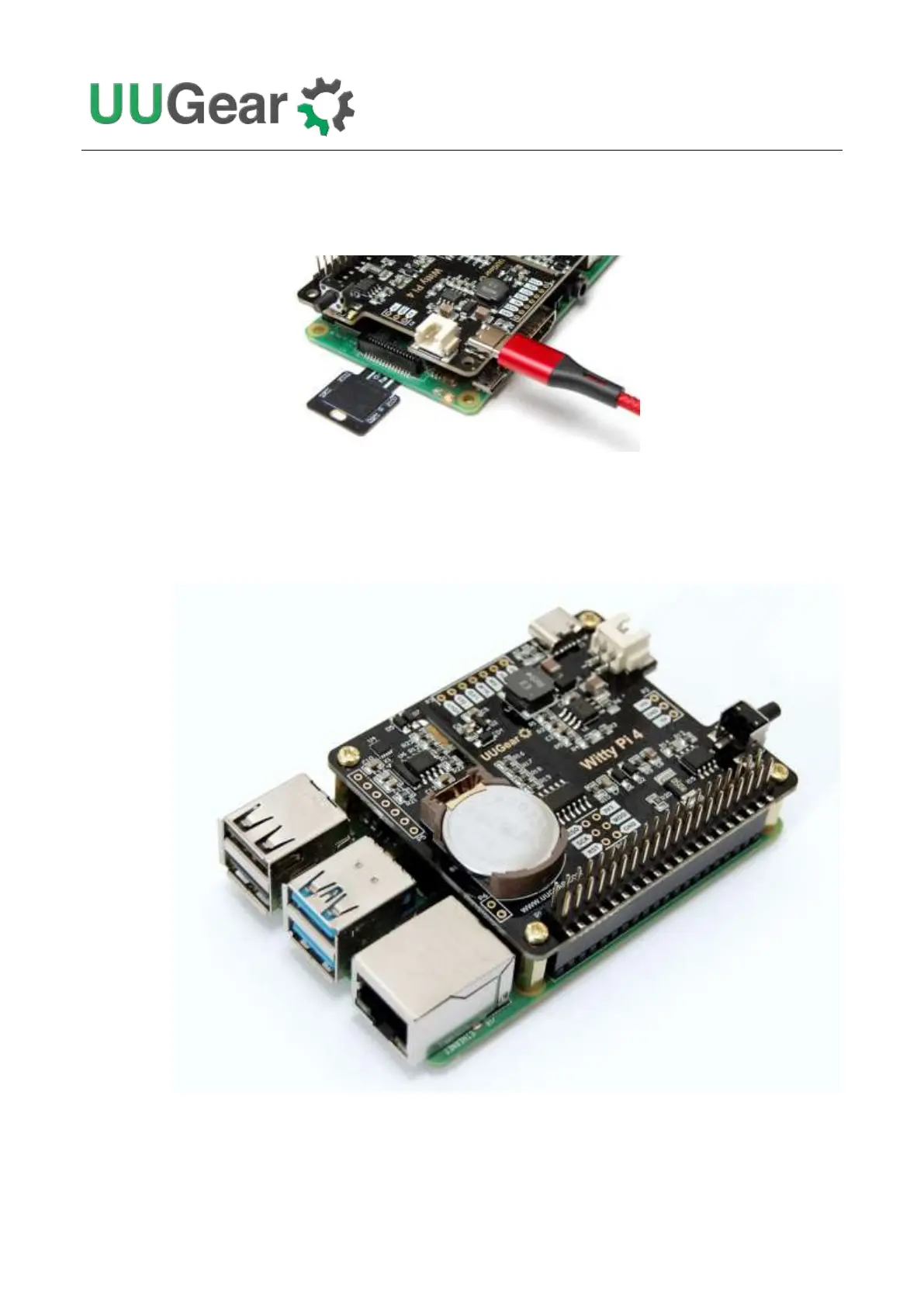
USB Type C connector or via the XH2.54 connector). Please do not connect power supply to your
Raspberry Pi directly, because Witty Pi will power your Raspberry Pi via the GPIO header, and that
is how it performs the power management.
When your Witty Pi is powered, you can see the white LED blinks for every few seconds, which
means it is standing by.
Now your Witty Pi 4 is ready to go.



 To Next Page