27
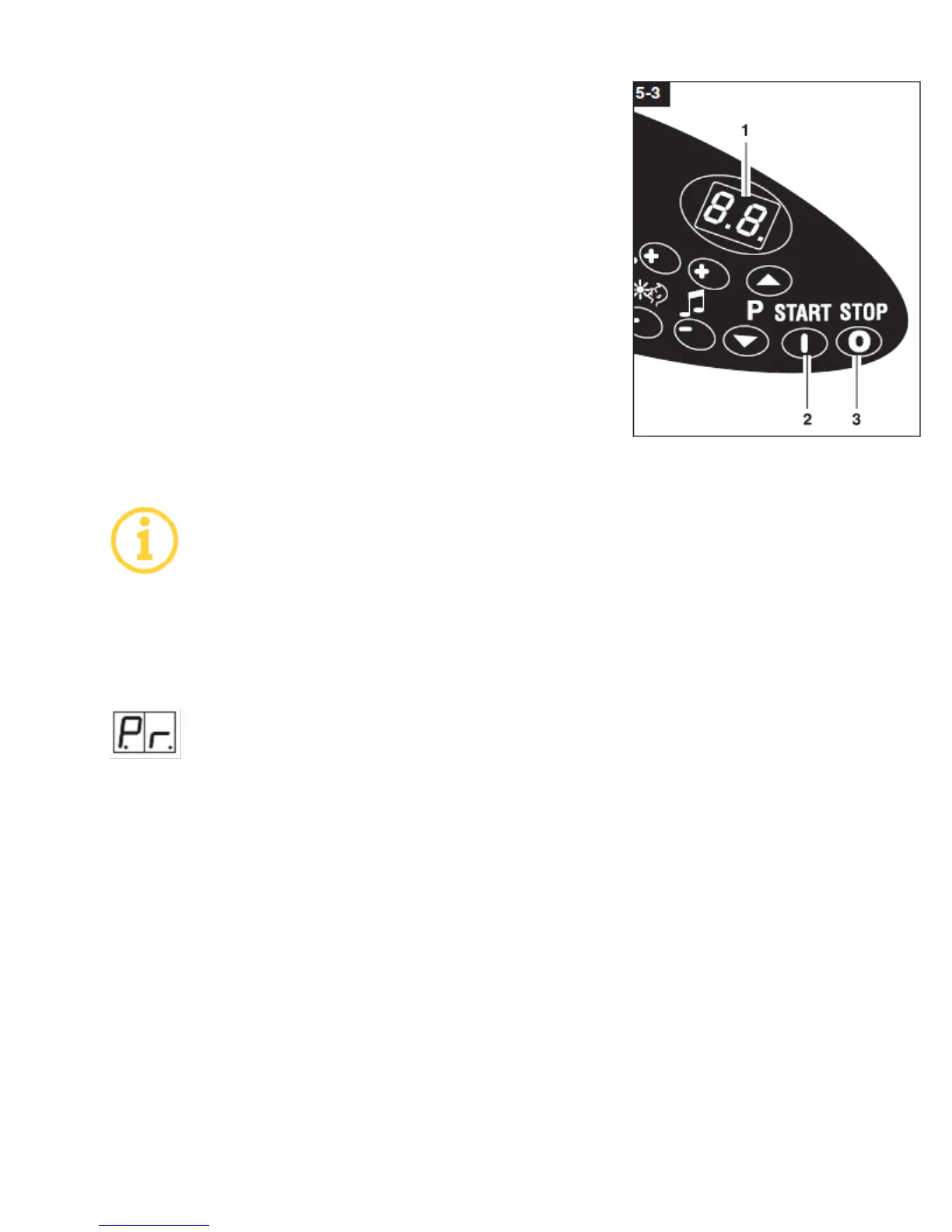
3. To enter the program, press Pr [STOP] in the program menu. The
top menu level P1 (5-2/5) appears.
4. Use [START] to switch to the next menu level.
5. Actuate [STOP] to display the parameters, e.g. operating hours
two values are displayed alternately. The single digit which is
displayed is the ten-thousand place; the two digits which are
displayed represent the thousands and hundreds places,
respectively.
6. Actuate and hold down [START]. Read the tens and single digit
places
7. Simultaneously actuate [START] and [STOP] and hold down for
approx. 4 seconds to set the time counted up to now to zero (5-
2/1) (reset), e.g. after replacing a lamp.
8. On the top menu level Pr, again actuate [START] and [STOP]
simultaneously for approx. 4 seconds.
The service menu is exited and the display switches to the standby mode.
If the unit is disconnected from the power supply within 5 minutes following
completion of the service module, the changed parameters are stored and
activated. If parameters are changed, but not confirmed after exiting from the
service module by disconnecting from the power supply, all settings remain as they
were prior to entering the service module.
For further information refer to chapter 8.6 Service menu diagram:
8.3 Service module menu
Program menu Pr
1. Operating hours can be read in the program menu.
PrP1 operating hours solarium
PrP2 operating hours lamps, LP lamps in the bed, HP lamps
PrP3 operating hours HP lamps for the facial tanner, POWERSPOT shoulder lamps
PrP4 BREEZE spray cycles
PrP5 Bleed BREEZE, necessary during
a) Initial commissioning
b) tank change and service work on the BREEZE system see Chapter 6. Servicing and
Maintenance
PrP6 Aroma - NOT APPLICABLE
PrP7 – AfterBronzer - NOT APPLICABLE
PrP8 Audio: adjustment of basic volume from 1 to 64
PrP9 Audio: adjustment of maximum volume from 1 to 64.
PrP10 NOT APPLICABLE


 To Next Page