29
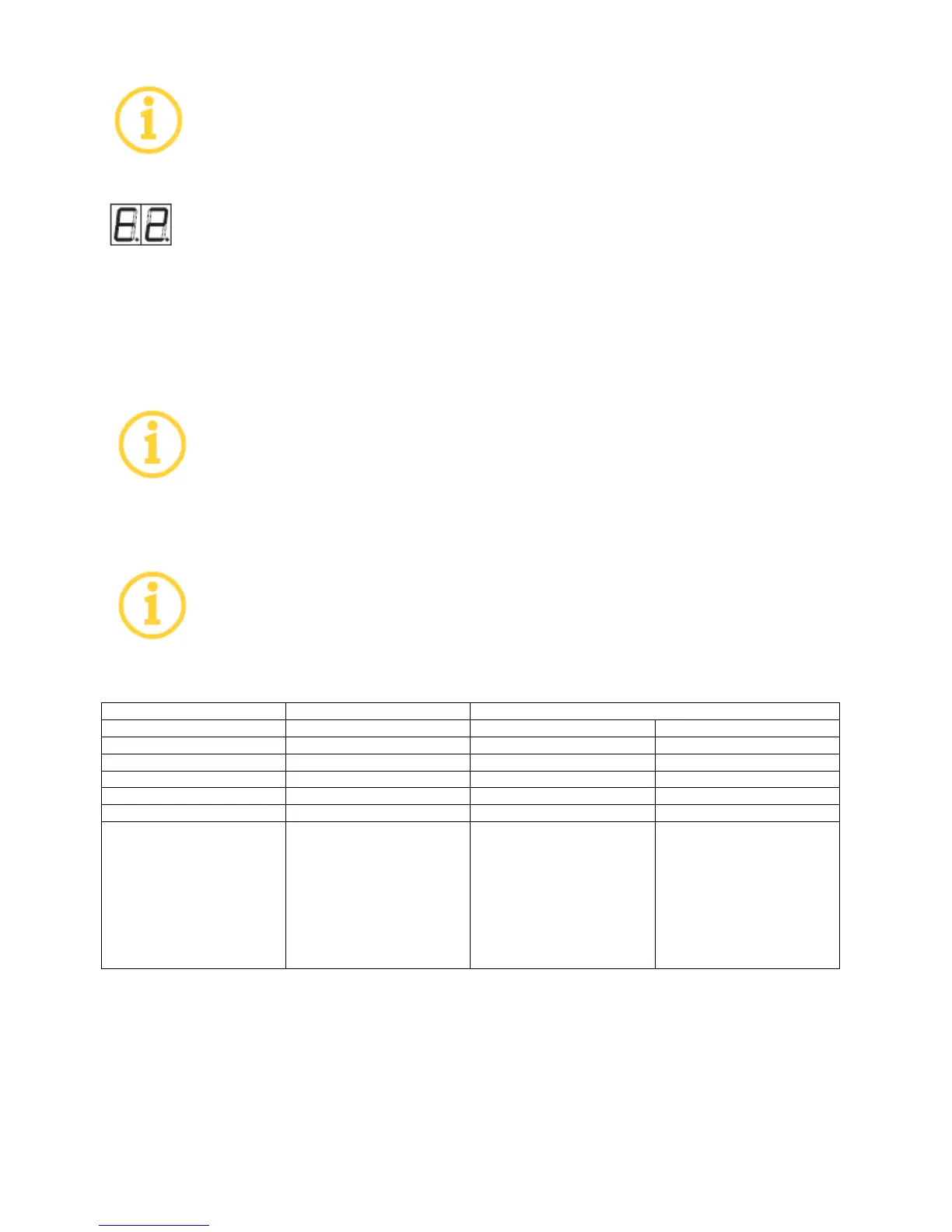
If the left decimal point illuminates, one or more errors are stored.
1. Use [STOP] to access the error display Error messages in the service menu S2 are displayed
with an E in the left position and an error number in the right position, e.g. E2.
2. By repeatedly actuating [START], you can cycle through the error memory and display up to
the last 10 errors.
If an error message appears on the display: Contact uwe customer service or your
specialized dealer.
Do not yet clear the error memory. Rather, first consult uwe customer service or
your specialized dealer.
8.4 Preset service intervals
When the pre-set service intervals are reached, the right decimal point on the
display illuminates continuously
8.5 Overview of possible setting
Possible setting for the operator
500 operating hours (hrs)
500 operating hours (hrs)
500 operating hours (hrs)
Cannot be changed,
counts the spraying
operations from 0 to 400.
Warning! After 350 the
right decimal point on the
display illuminates.
After 400 actuations the
BREEZE button is locked.


 To Next Page