AV Bridge
Vaddio AV Bridge - Document Number 342-0518 Rev C Page 12 of 36
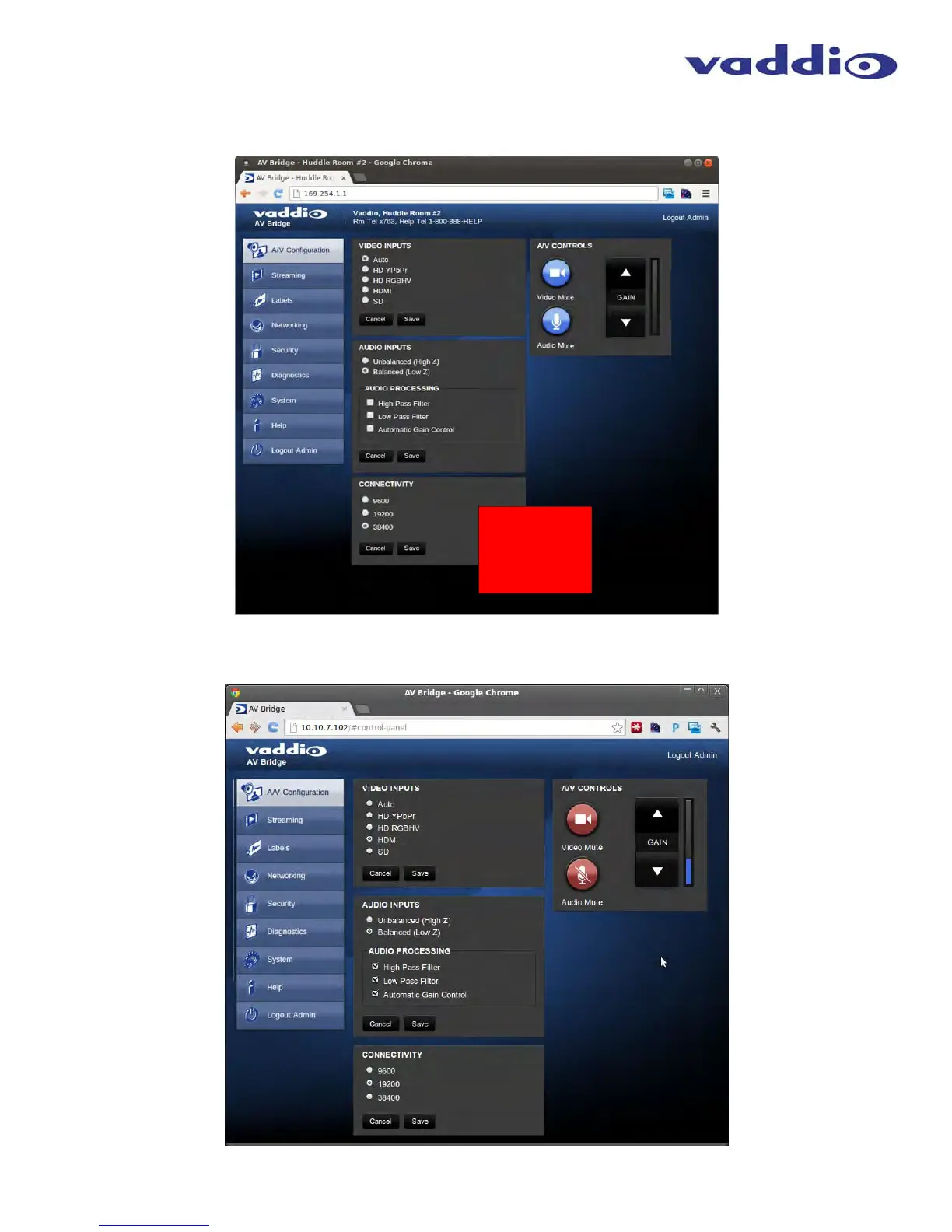
Screen Shot: A/V Configuration Web Page
Choose video input, audio Input and connectivity speed (baud rate is defaulted at 38400). Video mute and audio
mute can be selected and finally the gain control of the audio is available as well.
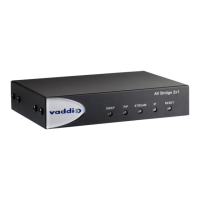
Screen Shot: AV Configuration
When the audio and video is muted the A/V Configuration page, the control icons will turn red, click on the buttons
to unmute the audio or video.
➲
➲
➲
➲
➲
➲
➲
➲
NOTE:
Default
Baud Rate
is 38.4 kbps
➲



 To Next Page